
I own two Bambu Lab printers, I bought those with my own money, and I love them, but not unconditionally. I’ve also been a long-term fan of Prusa, and I bought those with my own money also.
This combo, though, was sent to me to review. They are not paying for me or telling me what to say, but obviously being gifted something so cool does make me feel kindly toward the company.
Be assured that this relationship only goes so far and if I don’t like something I will always say so.
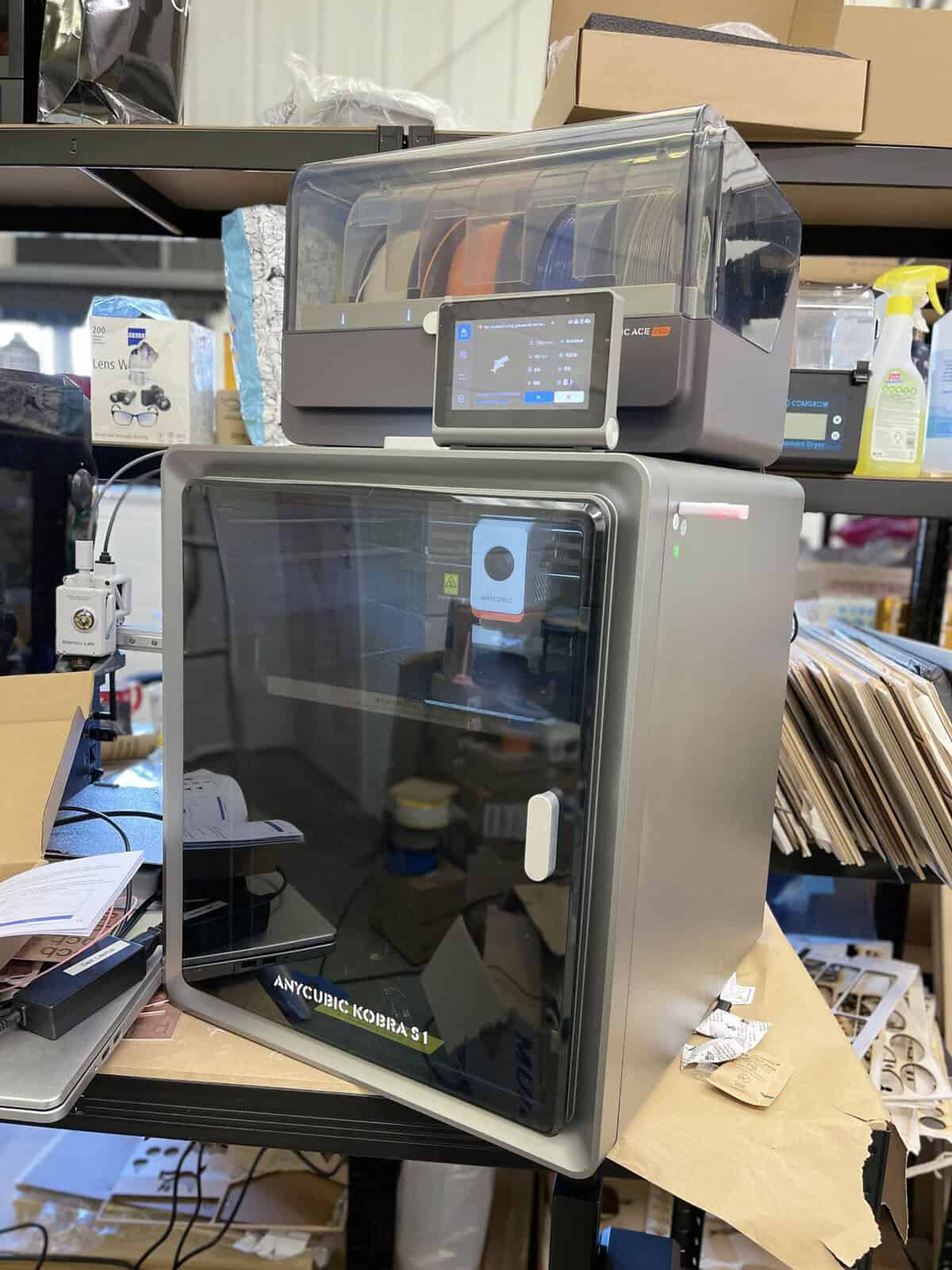
Looking at the Anycubic Kobra S1
Like the larger Bambu machines, the Anycubic Kobra S1 is an enclosed CoreXY printer with a 250mm x 250mm x 250mm print area.
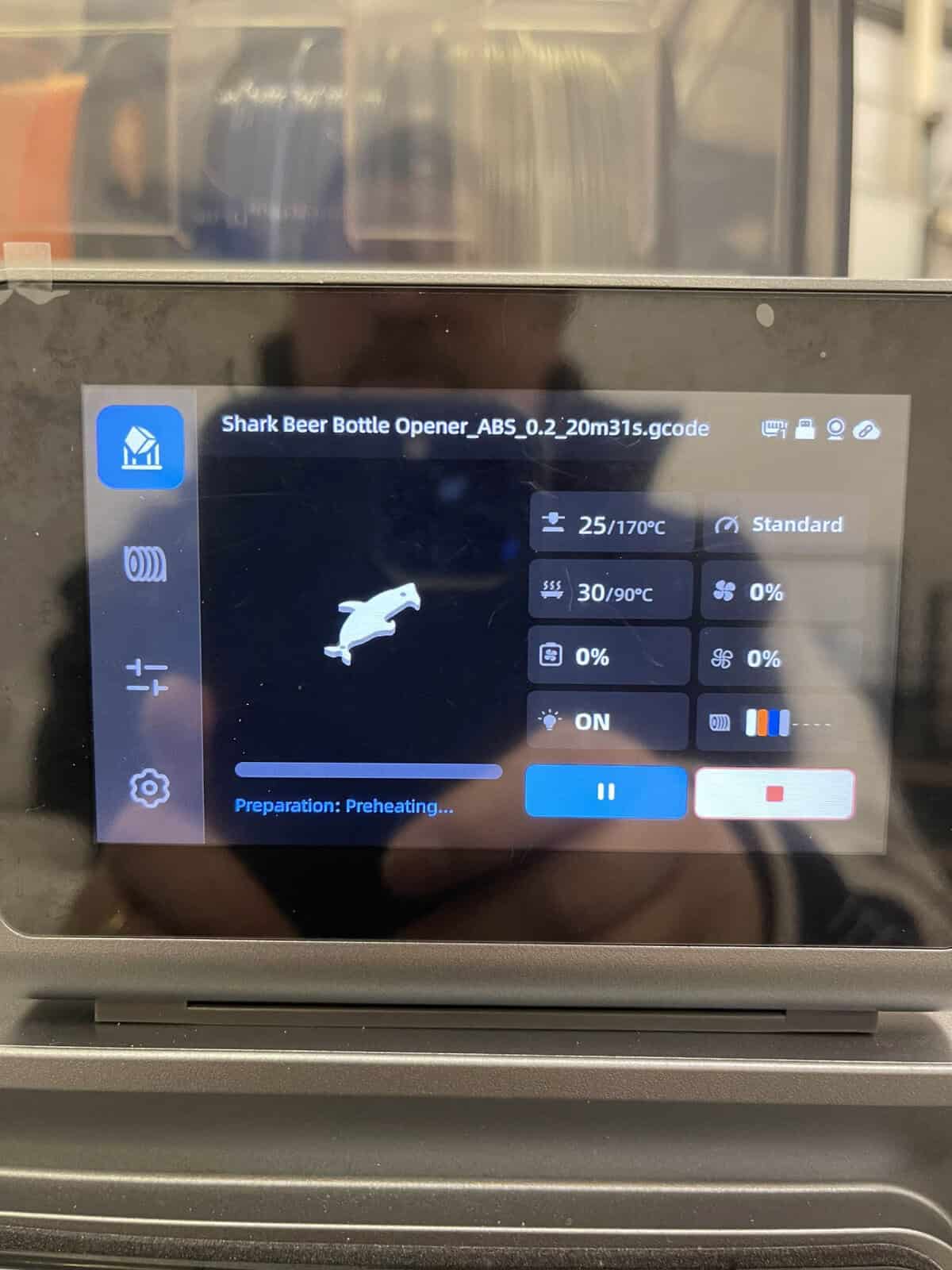
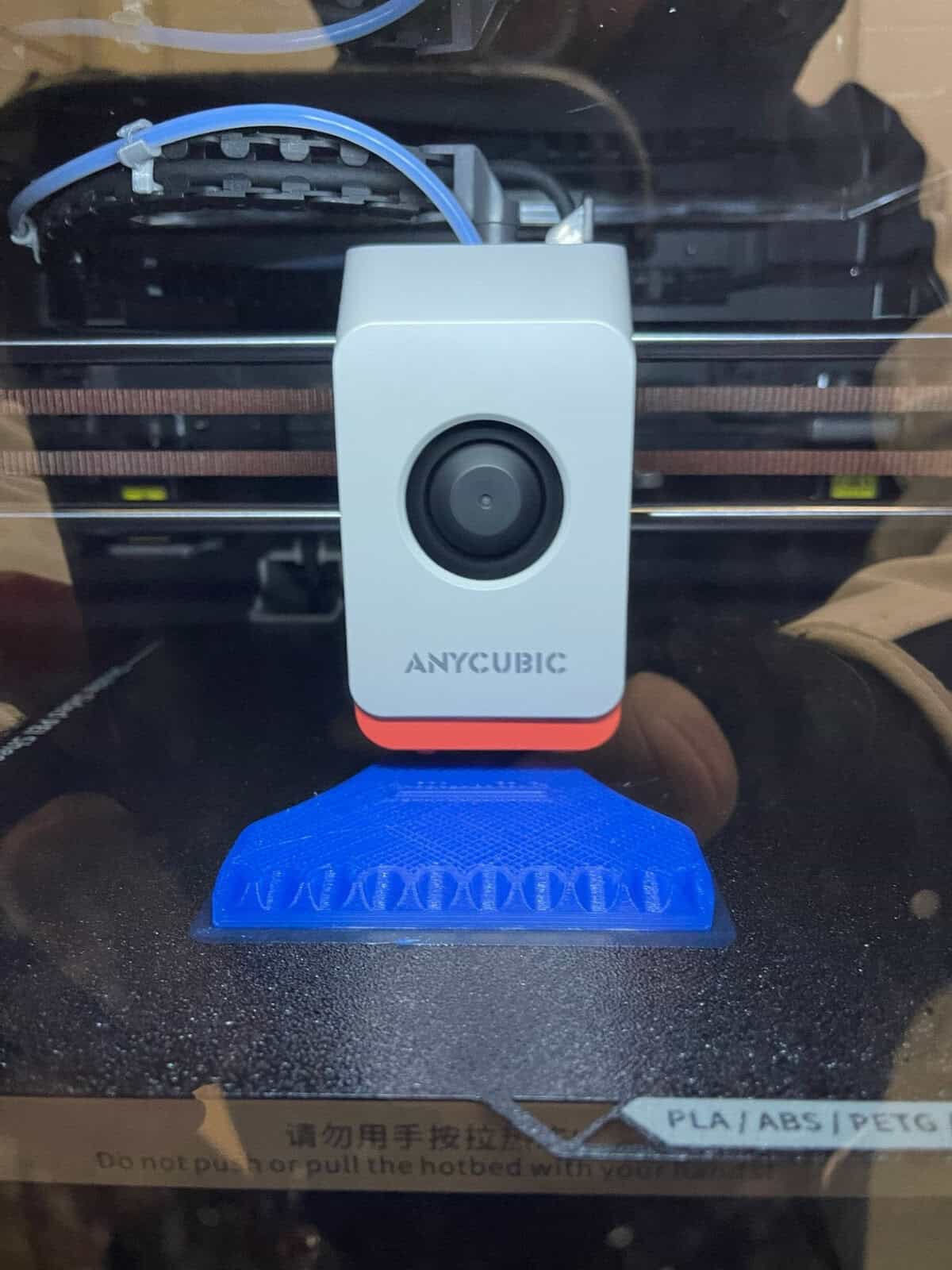
It also includes modern conveniences like an auto-leveling bed, a built-in camera for monitoring prints or recording time-lapses, and a well-designed touchscreen interface.
The ACE system allows up to four filaments (expandable to eight with an additional ACE unit), has carbon fume filtration, and includes a feature for filament drying to prevent moisture issues.
As this is a fully enclosed printer especially ideal for moisture-greedy materials like PETG, this is a welcome addition.
Anycubic Kobra S1 Print Quality

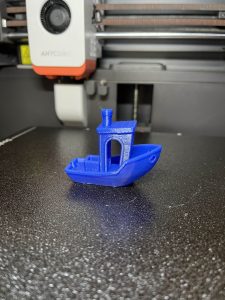
PETG Benchy
Coming from a background with Bambu Lab printers, I had high expectations. The Kobra S1 delivered impressive results, especially for its price. PLA prints were smooth and consistent, with minimal imperfections. ABS and PETG look to me as good as PLA prints which is high praise indeed!

ABS bottle opener
Anycubic Kobra S1 Usability
Assembly of the Anycubic s1 combo was minimal, with clear instructions provided in both paper and digital formats.
The slicer, though Windows-only, is familiar and user-friendly, though there are not many presets currently.
Pros and Cons
This is a great printer, no question about that. Still, we need to be clear about the pluses and minuses so you can make an informed decision.
Pros
- Price: The main draw is going to be price, as it is a substantial saving over Bambu – essentially the same price as buying just the P1S but with a better AMS in my opinion. That is a good thing for competition if long-term results also support it.
- Ease of Use: Setup and operation were straightforward, even for multi-color printing.
- Print Quality: So far prints have been fast and as good as any printer in my collection, including Bambu!
- Build Quality: The printer feels well-made and professionally assembled. Only one minor issue, the front door is not fully aligned, though not to the point where it hurts the seal.
Cons
- Filament Loading: Occasionally, feeding filament spools correctly required some effort.
- Noise Levels: The ACE’s drying system can be a bit loud.
Windows-Only: Surely Mac software will be along soon enough but right now, it only has Windows support. Mac software is now available — whew!- Blue PTFE Clips: Someone has likely designed an STL already but I immediately lost a PTFE clip.
Anycubic Kobra S1 vs Bambu P1s
Which is better, the Anycubic Kobra S1 or the Bambu P1s? Both are excellent, so the differences come down a lot to your budget, where you are located, and your preferences.
You are not going to be able to compare the two on value for money, because the Anycubic S1 is going to be found easier locally and for a lot less money.
Anycubic Kobra S1 Review Conclusion
I have a lot of printing still to do, so my conclusions are not fully formed. That said, I have been absolutely delighted so far.
The Anycubic Kobra S1 Combo has far exceeded my expectations. It’s user-friendly, versatile, and capable of producing high-quality prints. While no FDM printer is perfect, this one has a lot going for it, especially at its price point.
For someone like me, who wants printers that “just work,” the S1 proved to be an easy and reliable performer. Whether you’re a beginner or a seasoned maker looking to explore multi-color printing, this printer offers a lot of value.
If you’re considering adding an FDM printer to your setup, this combo is worth a look.

 Elegoo Saturn 4 Ultra 12K Review