

The xTool F1 was a surprise to me. I didn’t expect it to be so much fun, or so popular. When I heard about the F2, though, this time I was excited. How would they top the F1 while keeping it perfectly aligned with their target market?
I just got my hands on an F2 and I can report it keeps everything that made the F1 so great, but boosts speed, power, and even ease of use.
xTool F2 Specifications
While it is no match for its huge sibling, the F2 Ultra, it still performs very well, and exceeds the specs of the F1:
- Increased Speed: It can engrave at up to 6,000 mm per second, which is notably faster than previous models or competitors.
- More Power: The F2 boasts a 15-watt blue diode laser and a 5-watt infrared galvo laser, offering better cutting and engraving capabilities than the F1. While I would still call this an engraver, it can cut thicker materials, such as up to 15 mm basswood or 12 mm acrylic.
- Enhanced Precision: An improved camera system simplifies alignment and calibration, making setting up detailed projects quicker and easier.
- Portability: Despite its power, the F2 remains lightweight and easy to move around, ideal for personalising products at craft fairs, tucking away when not in use, or for teaching in the class room or maker space.
Unboxing the F2 and Setup
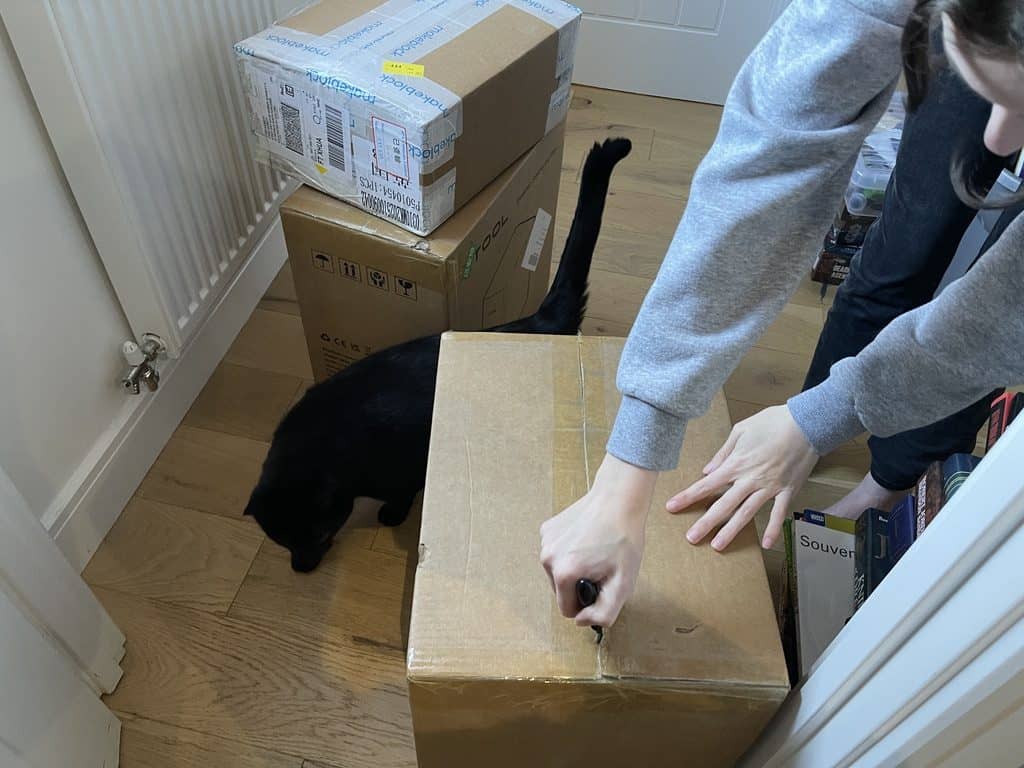
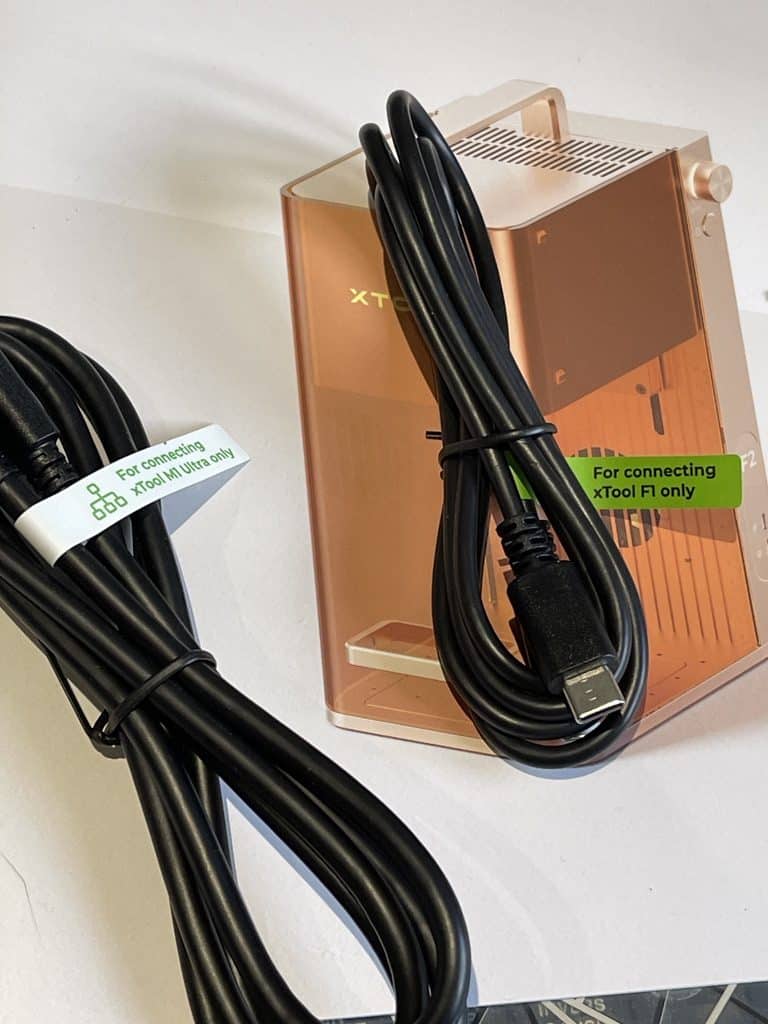
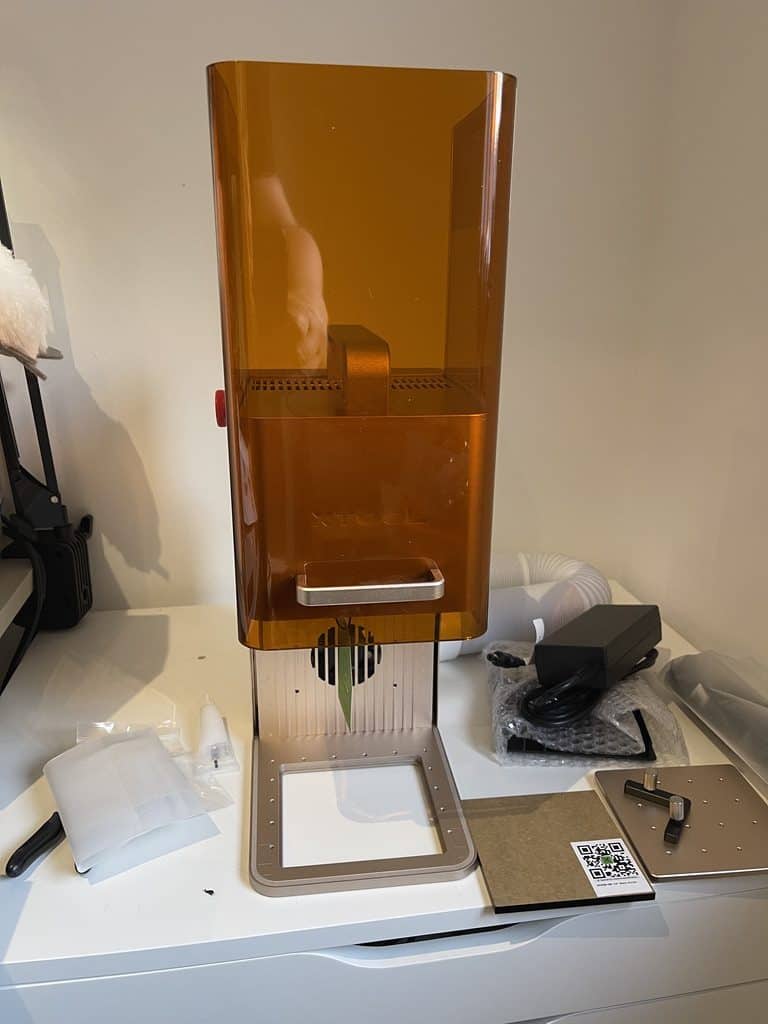
The F2 is super easy to unbox and set up. Everything is extremely well packaged and the instructions are clear.
Mainly it involves taking shipping tape off the lid etc so you can get to the foam insert inside. After that it is a simple job of plugging in power and the USB cable, and downloading the software.
Main Benefits of the xTool F2
1. Cute, Compact and Lightweight
Weighing roughly 10.5 pounds, the F2 is portable enough to be taken to craft fairs, workshops, or different workspaces. It includes handy features like rulers on the chassis to measure material height and position.
The xTool F2 allows you to remove the base so you can engrave on anything! I am thinking of trying to de-rust some of my dad’s old tools …
Remember it is light but is also robust. Importantly, it is fully enclosed to protect your eyes. While attached to the air filter it is a great deal safer in terms of fumes than the old open frame style lasers too.
It also looks great, it won’t be embarrassing to have right out in the open on display.
2. Power, Flexibility and Speed
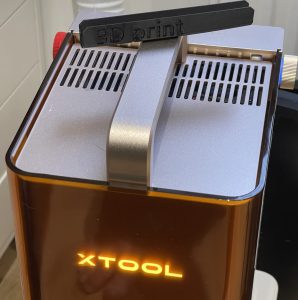
Like the F1, the xTool F2 has both blue and IR lasers, but as mentioned, the speed and power has been boosted. The upgraded laser combo allows for:
- Cutting thicker woods and plastics.
- Engraving with more detail and depth, including metal.
- Performing more complex and larger designs more efficiently.
If you have someone waiting there in person, being able to do deep engraves, faster, makes a huge difference.
3. Reliable Wifi + Offline Capability
Unlike a lot of the competitors, with this machine the wifi actually works. Being that this is meant as a portable unit, you are not forced to use wifi either!
After first connecting via USB you can set up the wifi connection, and it supports more modern wifi speeds too. After that you can use wireless for you can keep using USB whenever you want to also.
4. Preview Camera and Calibration
The 50-megapixel camera makes it easier to precisely align designs on materials. Calibration is easy using the supplied black card stock.
- Auto-calibrate projects with just a click.
- Visualize designs before engraving or cutting.
This simplifies the process, especially for newcomers, reducing the learning curve and increasing confidence.
5. Free, User-Friendly Software
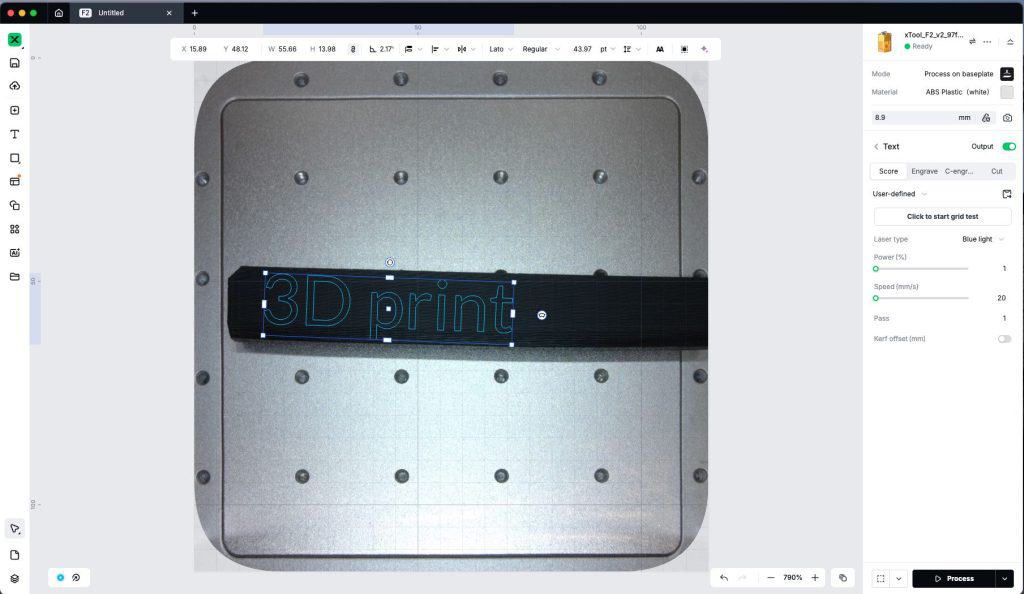
The free software keeps getting better and better, and allows:
- Easy project setup.
- Quick design.
- Intuitive settings, with videos guiding first-time users through initial projects.
This makes the F2 accessible for beginners but powerful enough for advanced users.
Example Projects
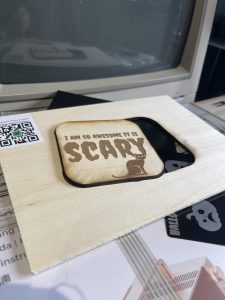
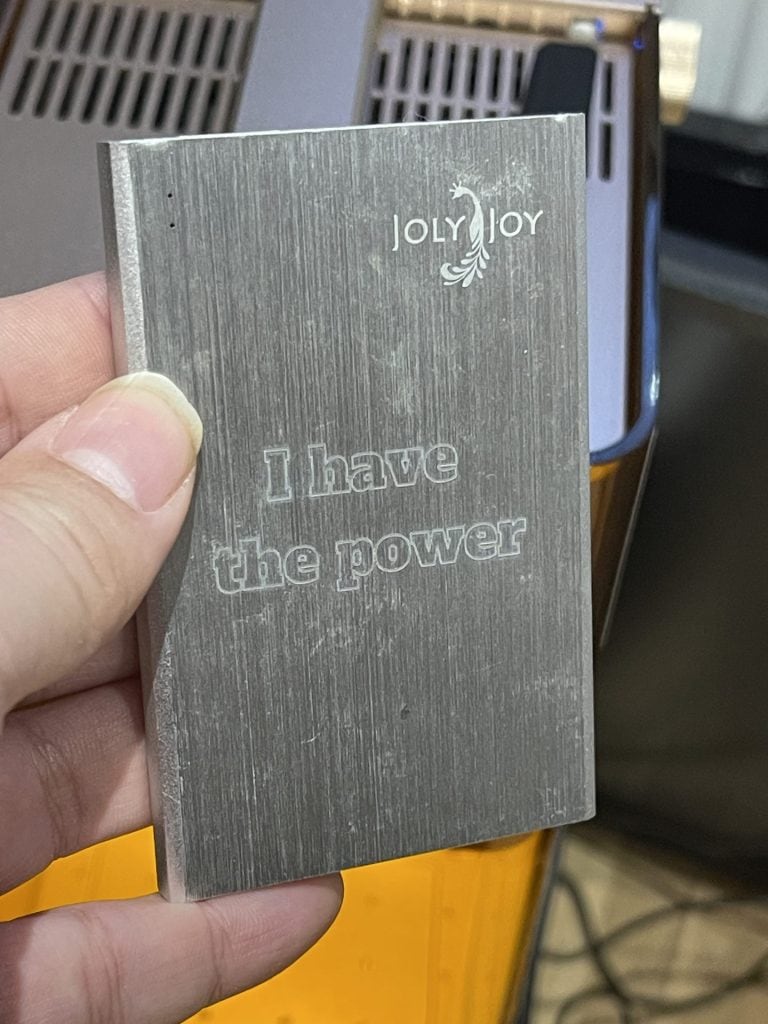
I am guessing you will want to see what it can do. While I haven’t had it long, I have managed to do quite a bit with it!
As I type this it’s Halloween so some of my projects had a bit of a seasonal motif, but I was impressed how quickly I went from unboxing to actually producing something in my hands. xTool have really nailed the user experience.
The burn on the wooden coaster is my fault as I messed up the settings and had to go over the cut line again. Still, all that dark engraving was very quick.

Pricing and Purchase Details
Currently, the X Tool F2 is available at a discounted price of approximately $1,299 during the pre-launch sale, down from the regular price of $1,499.
To get this deal you deposit just $20. There are also opportunities to win free devices or other prizes through promotional drawings.
Note: Purchasing through my official link often includes discounts, promo codes, and supports me at no cost to you.
xTool F2 Review Conclusion
The xTool F2 laser engraver offers a compelling package for anyone needing a fast, powerful, and portable laser engraver/cutter:
- Portability: Compact and ergonomic, while robust design allows for easy transportation and on-the-go use.
- Speed: Handles projects in nearly half the time of previous models.
- Power: Great for a variety of materials and detailed engraving.
- Ease of Use: Simplified calibration, excellent free software, and high-quality camera make setup straightforward.
While it might not be the most budget-friendly option, its power, accessibility, and combination of features makes it a strong choice for hobbyists stepping into small-scale production or small business owners looking for a reliable mobile laser tool.

 xTool P3: New Bigger, Faster 80W CO2 Laser