

I have owned an Arzopa 15.6in 1080p portable monitor since July 2022. It goes everywhere with me and my laptop. The Arzopa Z3FC is a much better monitor, so why will it stay home and the old one still go away on trips with me?
Arzopa sent me this monitor to review, I purchased the old one. You would think I would want the better screen that I didn’t spend my own money on to go with me, what gives?
About the Arzopa Z3FC
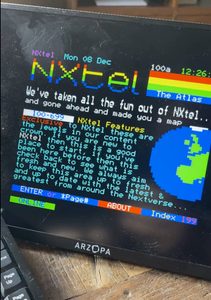
The Arzopa Z3FC is marketed as a “Portable Gaming Monitor”. I don’t know about that, but for working and geeking while away from the home office, it is beautiful.
At the time of writing I am seeing it online for around £130, but with offers I am sure that will fluctuate. This is not a “cheap” monitor but as these things go I think it is a good value.
My original Arzopa monitor has seen a lot of action, and not just travel but all kinds of projects, so I was keen to see how this one would perform.
Arzopa Z3FC Specifications
- 16.1in IPS, 16:9, 2560×1440, about 182 PPI
- 180 Hz with FreeSync, HDR10, 400 nits, 107% sRGB, 1000:1 contrast, 5 ms
- Aluminium body, about 780 g, about 9.3 mm thick
- Ports: two USB-C (DisplayPort alt mode and power) and one mini HDMI.
- Buttons on the side for power, volume and the menu
What I got in the box
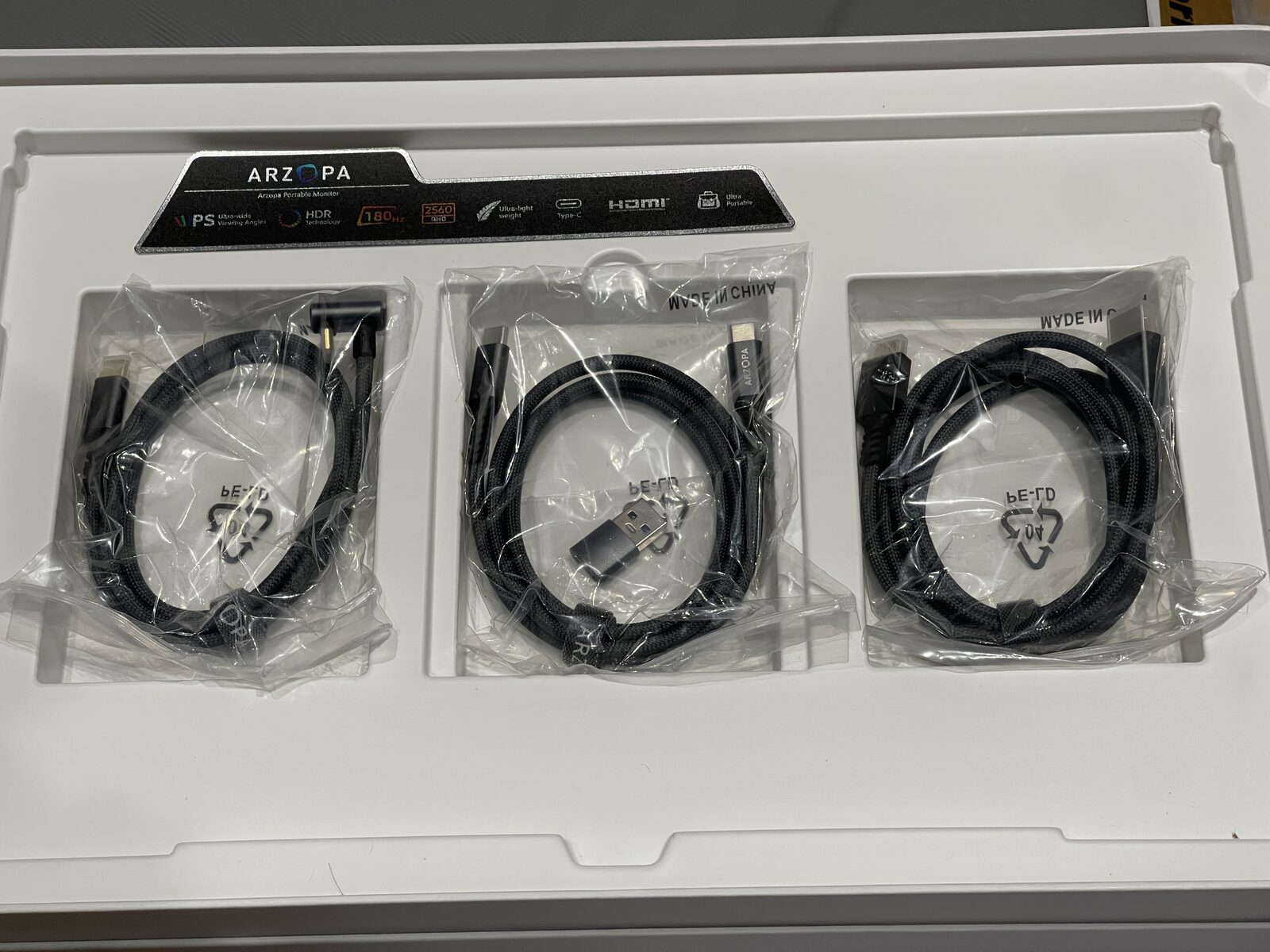
The monitor was accompanied by three braided cables: USB-C to USB-C with a right-angle end that tucks behind the monitor, a straight USB-C to USB-C with a USB-C to USB-A adapter, and mini HDMI to full HDMI cable.
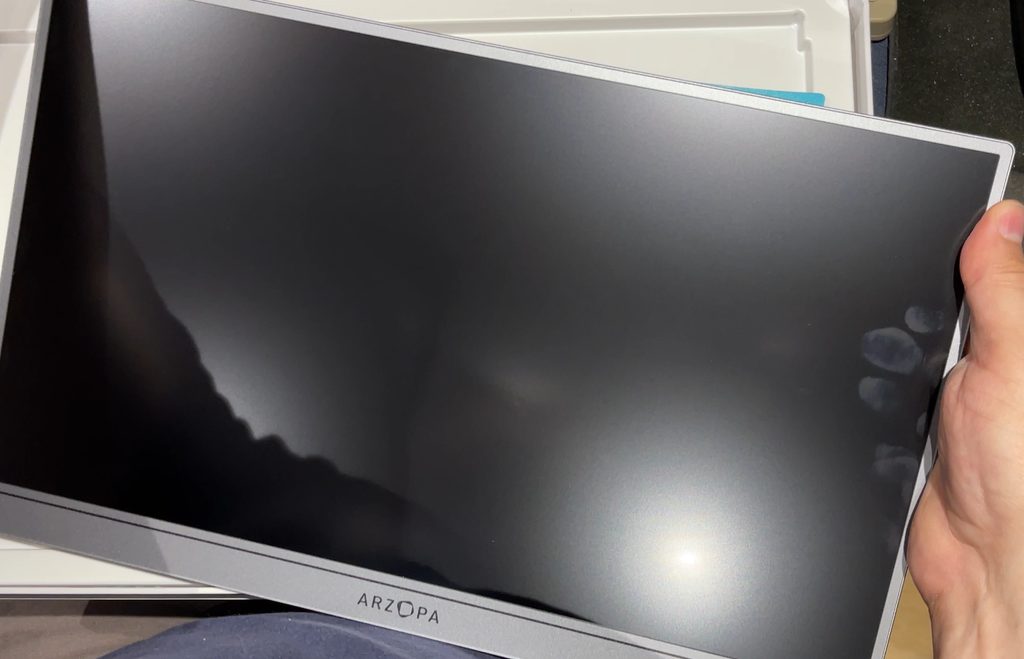
It also came with a soft padded travel sleeve, which is important as we will come to later.
Test 1: Crappy Windows laptop
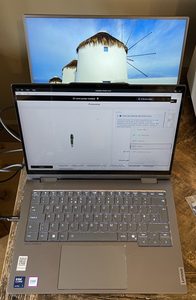
On the Lenovo 14in laptop I am provided for work travel (Intel Core Ultra 7), one USB-C cable provided for both picture and power. This is great. My previous model didn’t like doing that.
Everything was good, Win+P shows “Extend” option, worked first time with zero hiccups or drivers needed.
Test 2: Same laptop, Linux boot
Fedora (with GNOME) also came straight up as an extended desktop, no setup or driver downloads required. Interestingly, Linux was not covered in any of the YouTube reviews I have seen. The good news is it just works, on an up-to-date Fedora anyway.
Test 3: Raspberry Pi 400
Yes, also Linux, but the particular hardware is what I would regard as a realistic use-case.
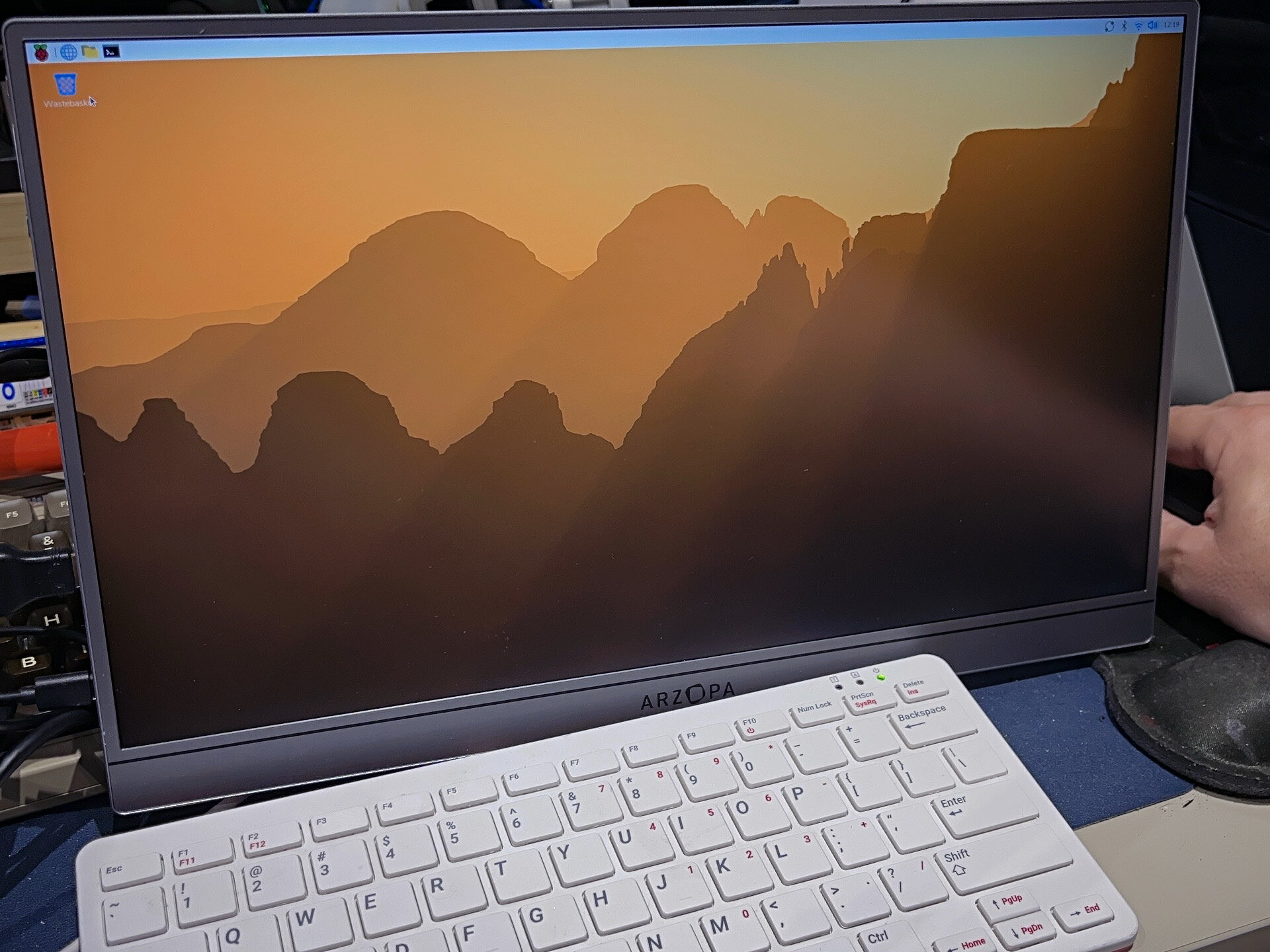
I burned a fresh 64-bit Raspberry Pi OS install, no added drivers, just plugged in HDMI with the appropriate micro HDMI adapter on the Pi end, and it appears. Now, in this case, it does need its own power as well as the HDMI cable. The Pi cannot power it as far as I can tell from my testing.
The Pi picked 2560×1440 at 60 Hz, the native resolution, as preferred and current. It reports itself as “GWD ARZOPA”, 360 x 200 mm.
Over HDMI the fastest modes the Pi was offered were 1920×1080 and 1280×720 at 120 Hz. No 180 Hz over HDMI, unfortunately, not that my eyes are so sensitive I could tell.
Consoles and anything else HDMI-only will not see the headline number either I guess?
At 2.5K on 16in the Pi desktop text is small at the default scale of 1.0. Screen Configuration can scale it up just fine.
While it is not a touch screen, which is the one thing I would find a helpful enhancement for a Pi setup, it’s a nice biggish screen for the task. For a smaller but touch-screen option, the official Pi Touch Display is still a better match.
For me as mostly a keyboard shortcuts kind of guy, this is good for tucking away when the Pi is not in use, and it saves taking up a full size monitor to get it onto the bench quickly.
What it’s like for travel
Taking it out and about made me realise that I missed my old monitor. Don’t get me wrong, this is a beautiful screen, it’s light and it feels good to the touch.
Unlike my 2022 Arzopa which has a built-in folding cover that is both the screen protector and the stand, Z3FC comes with a soft sleeve instead. Four years in a laptop bag and the old one is still fine. The new wallet style thing feels like one more thing to remember to pack, and the screen is unprotected the moment it comes out of its sleeve.
Instead of the cover-stand, the Z3FC has a thin leg that folds out of the back. Right now while brand new it is stiff enough, and holds in several positions, it even works in portrait. But will it stay that way? It feels to me like the part most likely to break. Time will tell, I will come back to it in a 3 to 6 month update.
For now the workload is split with the old guy still going travelling with me and the new one being moved around from project to project in the office. It’s delightful as a monitor, if anything it feels too nice to throw in a bag!
My verdict
The Z3FC is the better monitor: sharper, bigger, faster, it’s beautiful.
But my old one still goes with me on trips. The built-in cover makes it so much more convenient to travel with, and it can now live in my laptop bag full time.
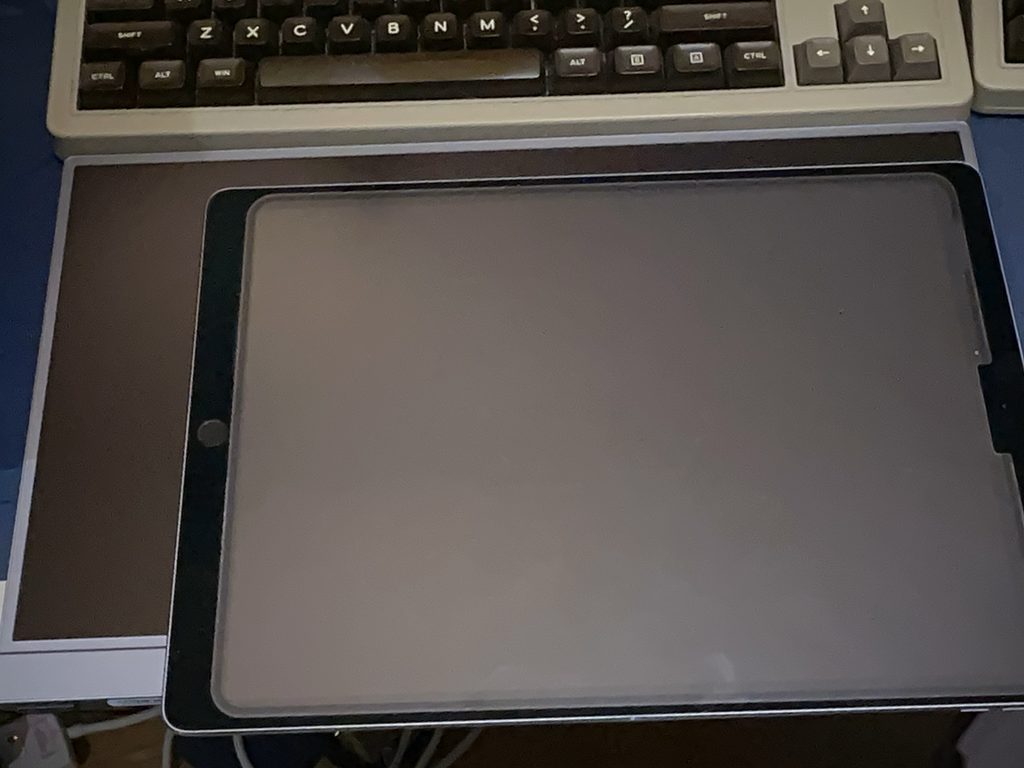
As a second screen for a laptop at home or a desk that gets packed away, especially on Linux, it works really well and beats my iPad Pro that might otherwise get used for second screen work.
Using it as a bench display for a Raspberry Pi or other single board computer also works very well, as long as you have a spare power supply of course. If you want touch you will need to look elsewhere, but otherwise this can partner anything that outputs HDMI.
Arzopa sent me the Z3FC for this review. They have not seen this article before publishing and had no say in what it says. Links to Arzopa are affiliate links, so if you buy through them I may earn a commission at no extra cost to you.
Arzopa Z3FC Discount code
Arzopa were generous enough to offer my readers a 15% discount on their US store. Follow the instructions at checkout and you should see the price you pay update. The link should automatically take you to the correct store for your region.
Use code ARZOPA15 on the US store and the link below to take 15% off the Z3FC
Check out all the details about the Arzopa Z3FC on the Arzopa store

 Elecrow ThinkNode M1 Review