
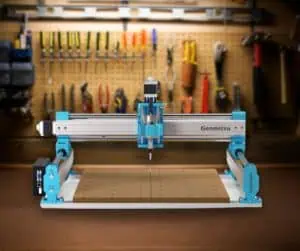
In this review we will look at the Genmitsu 4040 Pro CNC from Sainsmart. This is their middle-tier router that is larger than their 3018, but less expensive than the PROVerXL.
This review came about because once my wife and I started producing CNC routed products for her business, I quickly got frustrated with my Nomad3 CNC. I realised I needed something larger, with more options for workholding, but with at least the same speed, cutting ability, and accuracy.
Fortunately, through James Dean on the socials, I was offered a Genmitsu 4040 Pro to review. Thanks to James and Sainsmart for making this happen!
Getting to this point has not been without surprises, both good and bad, but now I have things set up and I have gotten familiar with the machine, I am super happy.
The Genmitsu 4040 CNC has the right size, a great price, and offers the flexibility, design, and expansion/upgradability for most home or small business user’s needs, especially for people just starting out in CNC.
I will go into details, but first, let’s look at what the machine has to offer:
Genmitsu 4040 Pro Specifications
The Genmitsu 4040, as suggested by the name, has a roughly 40 cm by 40 cm bed, which is an immense 4x increase over my Nomad3 or X-Carve, and that is the first thing that appealed to me, but it has other features that make it stand out:

- Work Area: 434mm x 403.5mm x 77mm which is around 17″ x 16″ x 3”
- Footprint: 700mm x 700mm x 310mm or approximately 28″ x 28″ x 12″ (can be upgraded using the 6060 extension kits for both X and Y for $250)
- Max Speed: 2000 mm/m
- Electronics: NEMA17 (42mm) steppers driven by TB67S109 drivers on 32 bit GRBL controller
- Power: 24V/4A
- Frame: All metal, with steel tubes and lead screws
- Features: Control board located at the side has ports for USB, offline control, and MPG. Can be used with optional extra fourth axis/rotary accessory. Supplied with limit switches on one Y, on the X and on the Z.
- Included: Small 75 watt spindle, 3 sample bits and associated collets, MDF waste board, Z probe, USB memory stick, and misc assembly tools.
Unboxing and Getting Started with the Genmitsu 4040
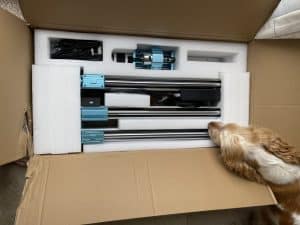
Everything came well packaged, in a surprisingly compact box.
The build process is quick and hassle-free, it just goes together, with no need for the adjustments, large and small, found on most CNC machines.
Even with the help of pets and my photography, videos, note taking, it took me just shy of an hour. You will be able to do it in half that time.

Assembly
I hesitate to say it is idiot proof, because this idiot made a small mistake (I fitted the waste board upside down), but I am sure you will have no issues at all.
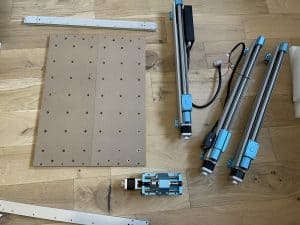
- The main components of the machine are mostly pre-assembled.
- Left and right side axis of the machine are attached using M5 screws.
- Locating pins are inserted into holes on the side pieces.
- The side pieces are placed on top of the axis using the locating pins.
- X-axis is attached .
- The z-axis is attached.
- Finally, all screws are tightened.
While the front and back plates have multiple configuration options that offer flexibility in how the machine can be built, I went with the standard setup.
As I was not using the included spindle, I had to purchase an adapter to allow me to use my Makita.
Wiring
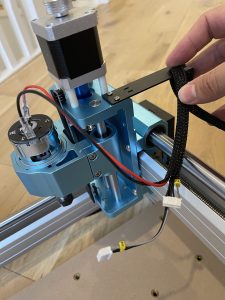
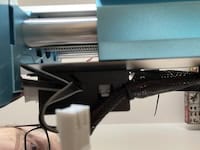
Getting the wires to where they need to be and all tidy is not a bad process, so long as you are more dexterous than my sausage fingers.
- Mount the z-axis cable mount using the provided screws.
- Connect the stepper motors.
- Plug in the limit switches.
- Use zip ties to secure the wiring and relieve pressure.
Software and Configuration
A USB memory stick is provided containing files and software, but unfortunately while they supplied it, they didn’t supply it configured for some reason.
I feel like this is a weird oversight, when they have done so much up to this point for a good user experience.
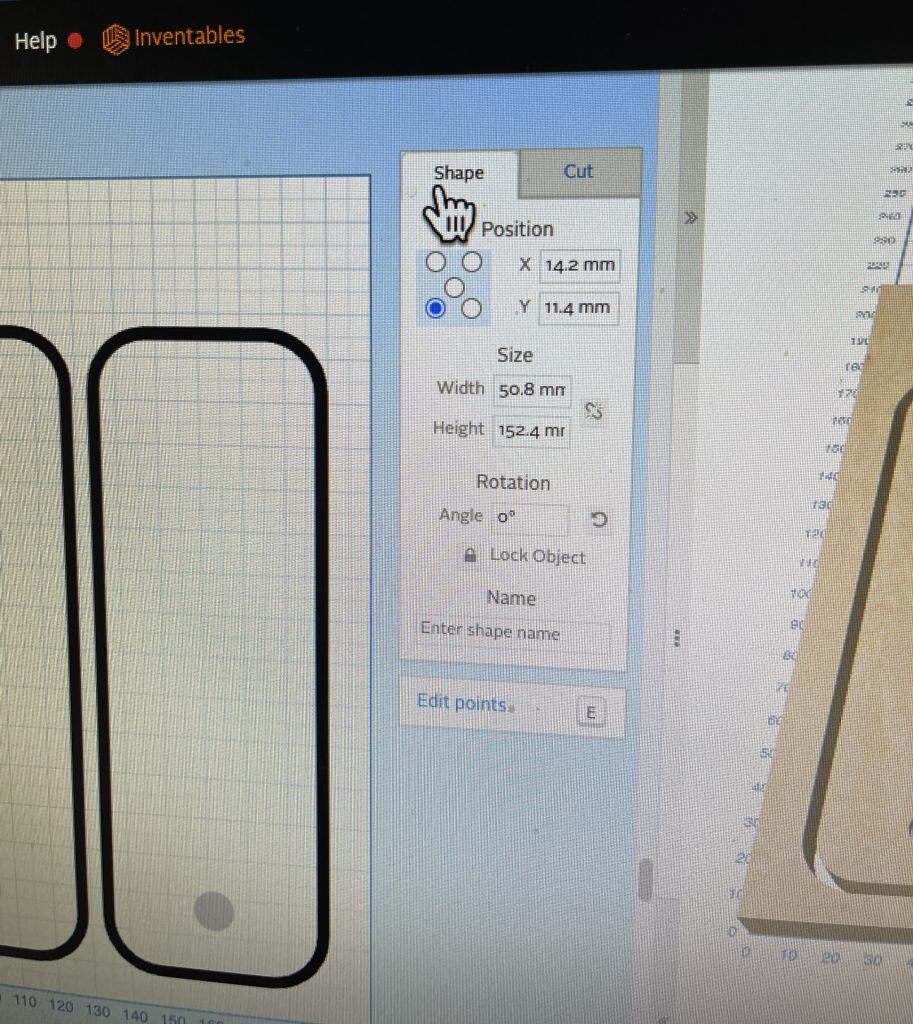
While the suggested tools are good, I would instead encourage newbies to go with the free, browser based Easel from Inventables and that is what got me properly running with this machine after fighting with UGS configurations.
It turns out my main board was misconfigured, or not configured at all, for the machine setup. I am not a new CNC user so I managed to find and add the correct GCode settings for the machine to actually work, otherwise I would have sent the board back for a replacement.
Looking around, this seems to be a problem isolated to me, but something you are now aware of in case you can’t get yours to run.
First Cuts (Should NOT Be the Deepest)
Before you do any real cuts, you should make sure your machine is trammed (fully square and aligned) and you have added your own spoilboard. James has a great video for this:
My Makita router would not tram long term. I can get it all aligned then the slightest tug, such as the dust boot grinding while homing, tightening the collet, or tension on the vacuum hose, and it goes out again. The bracket just isn’t well suited for my router, but perhaps the official Genmitsu router works better?
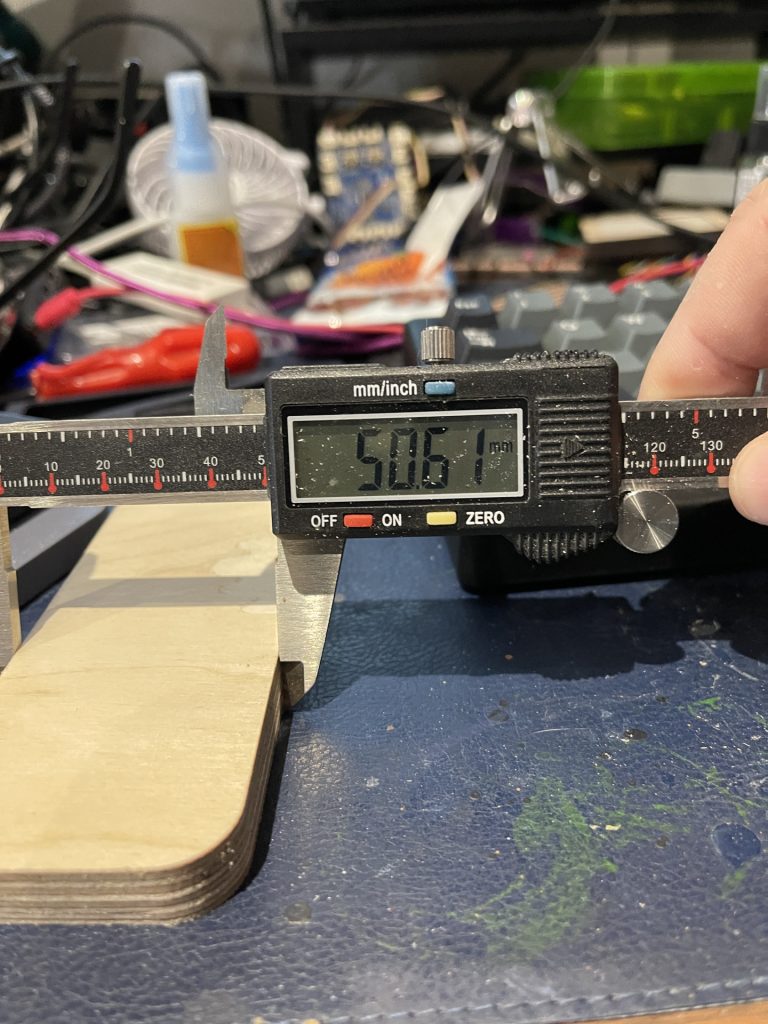
Regardless, once I have it trammed, it is pretty darned accurate.
User Experience: What is the Genmitsu 4040 Pro Like to Operate?
Some call this CNC a clone and other cheeky names because visually the Genmitsu 4040 and the Onefinity look very similar.
I guess you could call it a “Minifinity“?
Instead of using the classic aluminum extrusion, and rubber or metal wheels, the Genmitsu 4040 Pro features steel tubes on each axis that provide a light but rigid structure.
Best news is instead of belts it uses lead screws which allow the machine to provide more torque. This also reduces the springy, stretchy elastic belts from causing backlash and innacuracies, at the expense of a small amount of speed.
In terms of electronics, the control board is enclosed at the side of the machine and contains ports for USB, offline control, and an MPG port.
Many have complained about the placement of the DC port being on the side sticking out. Mine is a little less of an issue because I was supplied with a right-angle cable with my PSU, but still it is not the best option.

Another popular complaint is about the provided hold-down clamps. Don’t use them, they are difficult to adjust and have protruding steel bolts that could potentially cause accidents for beginners. Consider them just to get you going and should be replaced immediately. Personally, I usually use the blue tape and CA glue technique anyway.

The Z probe is a welcome addition, though it would have been nice (and not really all that much more expensive) for it to be useful for X, Y and Z. I might have to make an adapter for one of my existing units now this CNC has effectively mothballed them.
Unfortunately the Z probe connects to the X gantry, and is likely to get damaged by constantly inserting and removing, so I printed a holder designed by James.
Slight Design Flaw

It is very easy for the Y axis to get slightly out of whack because they operate independently and only the left side has end stop switches.
Sending the Y all the way back and then homing should broadly get it back in level but this takes a long time due to it triggering warnings in your GCode sender over and over and over and over and …
Dust Collection Woes
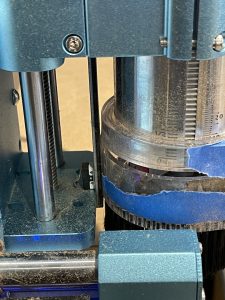
A word of warning, everything in this machine will get coated in dust, especially when milling materials like MDF. Surfacing the spoilboard caused my entire office, and my lungs, to get a thick coating even WITH the dust boot.
Official dust baffles made of thin black metal are available to purchase, though I do expect 3D printed versions are out there too.
Speaking of the official dust boot, it is an extra purchase and does not fit with my Makita trim router. I realised this too late, as the embedded magnets became no longer embedded, at high velocity. I might purchase the official Genmitsu router (which is much cheaper) and another dust shoe.
I had to design and 3d print an adapter so that my shop vac hose would fit. It seems that Foxalien sell a dedicated CNC dust collection solution that might be a better option.
With this in mind I started building the world’s most sketchy CNC enclosure.
Expect Noise
Most people are not going to do what I did and have it next to their head in their work from home office, but still this machine is noisy. Being as it is built to a price point, it is not at all optimized for quiet operation so be prepared. If you want quiet motors, ball screws and linear rails, up your budget expectations.
Add to that the extra when you combine it with a trim router so that it can cut, and a shop vac so you have air to breathe, it is a painful combination.
I am going to finish my CNC enclosure with an attempt at sound-proofing to keep the noise contained, as well as the dust. Watch this space.
What Can it Cut?
The Genmitsu 4040 Pro offers excellent cutting capabilities, at least once paired with a trim router. This allows you to cut faster, deeper, and with more control.

I didn’t really bother with the included spindle other than installing it and taking some pictures, as it is meant more for engraving, which is not something I do much of currently.
Of course I am going to be following up this review with lots of projects, but suffice to say so far it achieved cuts in plywood of 1/4″ without too much fuss, though in regular use I use a 1/8″ bit and do depth of cut around 1mm to maintain finish quality.
The machine performed nicely when working with harder materials, even machining metal, which is something a particularly outspoken and incorrect guy at a maker space swore was impossible on a desktop CNC. You can for sure cut aluminum cleanly if you take it steady at a depth 0.2 mm per pass, or even deeper.
Genmitsu 4040 Pro Likes and Dislikes
While I do repeatedly mention the price point throughout this article, and indeed it is the first bullet of my likes, I don’t want you to get the impression it is all about that. As a machine it succeeded to meet my expectations, and in fact exceeded them in some ways.
The Genmitsu 4040 Pro is a visually good looking, and it is capable machine. It has a sturdy frame, flexible build options, and impressive cutting capabilities.
Pros
- Great value compared to all the competition.
- With a trim router, surprisingly capable.
- Good, usable work area.
- Comparitively compact footprint.
- Rigid enough for metal, wood, plastic.
- Accurate enough for fine engraves and parts that need to fit together.
- Super easy to assemble, with locating pins to quickly ensure accurate alignment and squareness of the machine.
- Great community and first-party support.
- Each stepper motor has a knob for fine manual jogging.
- Can increase working area by purchasing the 6060 X/Y axis extension kits
This is a truly positive list and a testiment to the work Sainsmart put into their range of machines over the years. Clearly they have responded to feedback and have upgraded their offerings while keeping to value pricing.
That said, the machine is not perfect, so let’s take a look at the things I did not like:
Cons
- Supplied software is not configured for the machine.
- DC power socket pokes out the side (still, even though mine came with a 90 degree cable, it would still be better to come out of the front, top, or back)
- Emergency stop is small, flush button, that looks like the on/off.
- Z could be more rigid, impossible to keep trammed
- Included spoil boards flex in the middle (a supporting brace would be a cheap and easy solution)
- Does not come with dust boot and the official dust boot does not fit with the Makita properly.
- Y axis easily gets out of alignment.
- Any time an end stop switch is triggered the machine constantly panics.
- Adapter to use your own trim router is NOT included.
Comparison versus Competing CNCs
In many ways this machine is far superior to my original X-Carve, even though it was a great machine and thanks to the amazing ecosystem was the first CNC where I actually felt like I knew what I was doing.
Similar to the X-Carve but more up to date comparison would be the Foxalien 4040 Masuter Pro, but for me the Genmitsu 4040 Pro beats both because having belts doesn’t work as well for accuracy and rigidity versus lead screws.
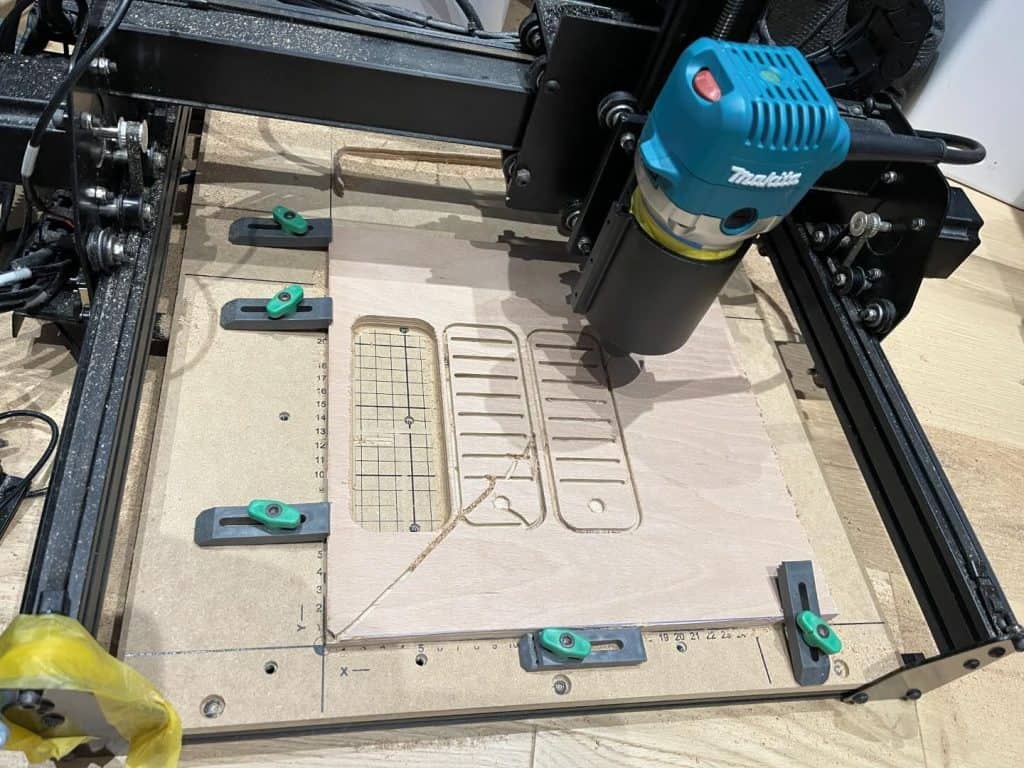
While my Nomad3 has a software variable speed control spindle, is fully enclosed, has more features, and is more rigid, there is a good reason that I wanted to upgrade and that was capacity.
The larger work area, with the option to increase that work area, really makes a business difference, especially given the price variance.
Sainsmart also has their own competing product in the Genmitsu PROVerXL, which starts out with a slightly smaller 400mm x 300mm working area, but features quieter, faster, and much more precise closed-loop motors along with ball screws.
For these upgrades you do pay more than twice the price, however!
When it comes to capability, and value for money, I would say the Sienci Longmill wins out just because of size, but I am no longer in the market for a “CNC build project” – the Longmill took a lot of assembly (hours and hours and hours) versus the very fast sub-30 mins average setup time of the Genmitsu 4040 pro.
Sainsmart Genmitsu 4040 Pro Review: Final Thoughts
In conclusion, the Genmitsu 4040 CNC offers great flexibility, a neat design, and expansion/upgradability for most user’s needs, especially for people just starting out in CNC.
Minor issues can be easily overlooked when you consider how much you get for such a reasonable price. It is not cheap by any means, but when compared to other machines on the market, especially considering it is mostly built out of the box rather than a “build your own” kit, it is really a leader in the category.
I highly recommend you consider it, or in fact, purchase, the Genmitsu 4040-pro with full confidence.

 xTool F1 Ultra Review