
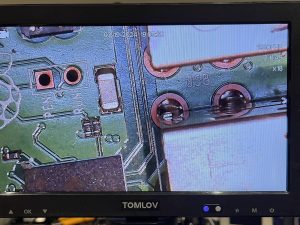
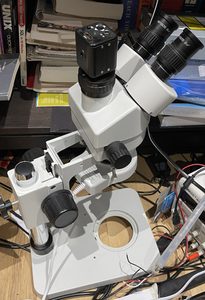
The TOMLOV DM9 Max is a portable digital microscope with built-in 10.1 inch screen and HDMI video output, webcam, and SD-card recording features.
I already have a nice microscope, so why was I interested to try it when they offered me one*?
On paper the stereo scope wins, true stereo, zero-lag, better glass. It was almost twice the price when I purchased it, bought on the strength of Strange Parts’ “A Boy and His Microscope” YouTube video.
That “better” stereo scope now lives on the floor.
Unboxing the TOMLOV DM9 Max
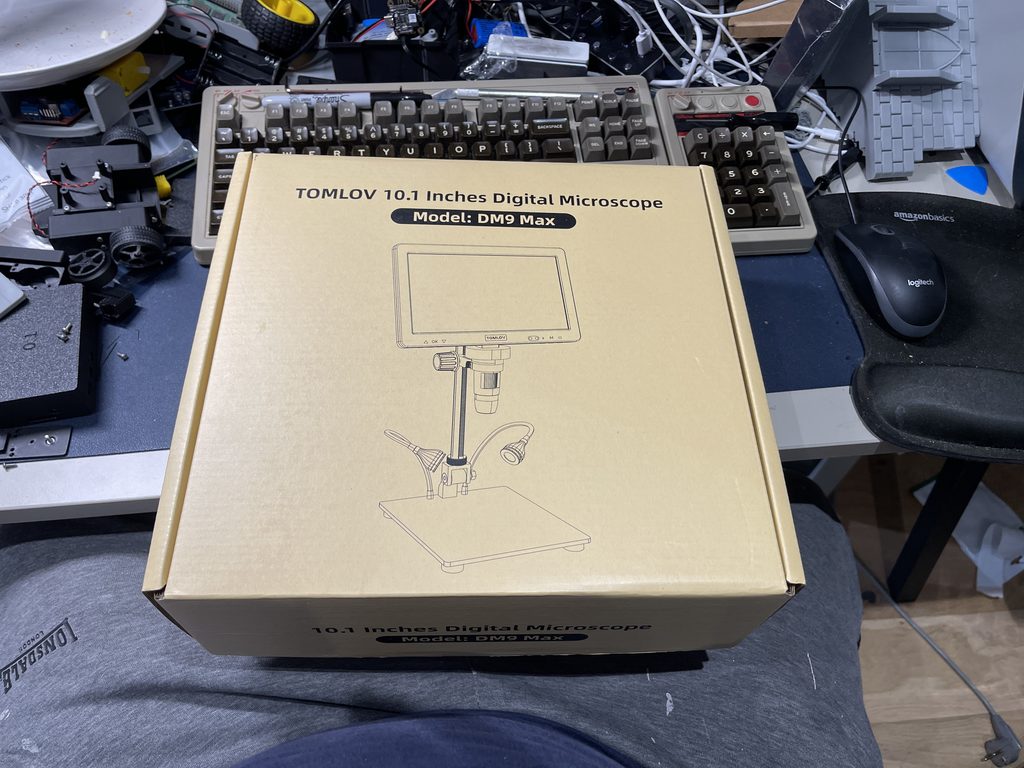
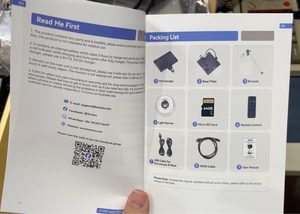
In the box is the microscope, 10.1″ screen, stand (column and base), with two side lights, an IR remote, micro SD card, mini HDMI to full HDMI cable, USB-C cable, anti-reflective hood (“Light Barrier” in the packing list).
As with many things nowadays, you do not get a charger. Supply 5V 2A otherwise according to the FAQ you might get restart loops.
I thought mine needed charging but it was actually delivered fully charged. Turns out you need to hold power for about 5 seconds to start it up.
Assembling the TOMLOV DM9 Max
Assembly of the microscope is quick and painless.
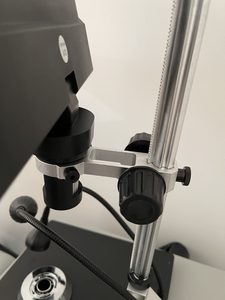
I was pleased to see the stand allows you to back quite far off the object you are working on and also get pretty darned close. A Raspberry Pi 3B fits under the lens with space above, including room to manoeuvre a soldering iron and tweezers.
My stereo scope does not have this range of movement, it’s either super zoomed in or very zoomed in.
That said, the pillar still greatly limits how far into a big board the lens gets to see, and this particular unit does not have the option of interchangeable lenses. Which is a shame because TOMLOV does sell them.
Switching out the arm is also not made easy, the microscope mount can’t come off the column (pinion stays on the rack at both ends).
Image and magnification
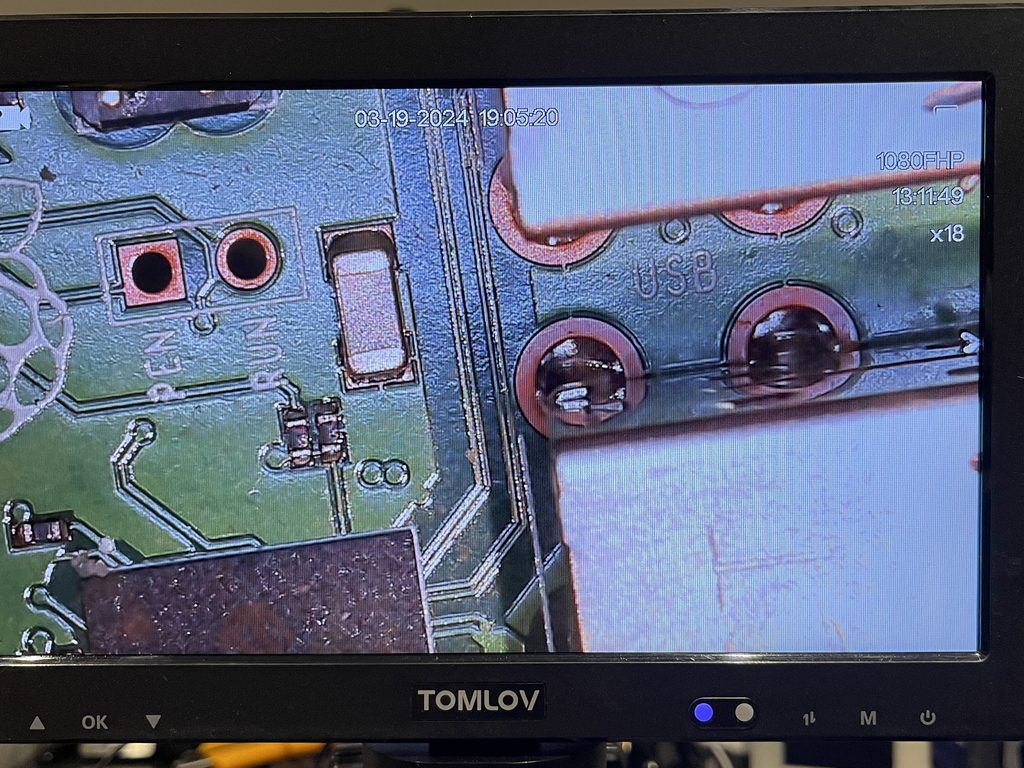
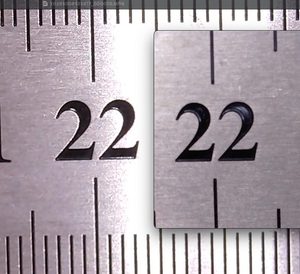
On the box it claims 5X to 1500X magnification, combining optical and digital as a guess. Measured against a steel rule from SD recordings I approximate:
| Setting | Frame width | On the screen |
|---|---|---|
| Optical, widest | about 56 mm | about 4x |
| Optical, closest | about 8 mm | about 27x |
| Digital zoom on top | about 4.7 mm | about 46x |
Roughly 4x to 27x optical, which is plenty for soldering, probably nowhere near 1500x.
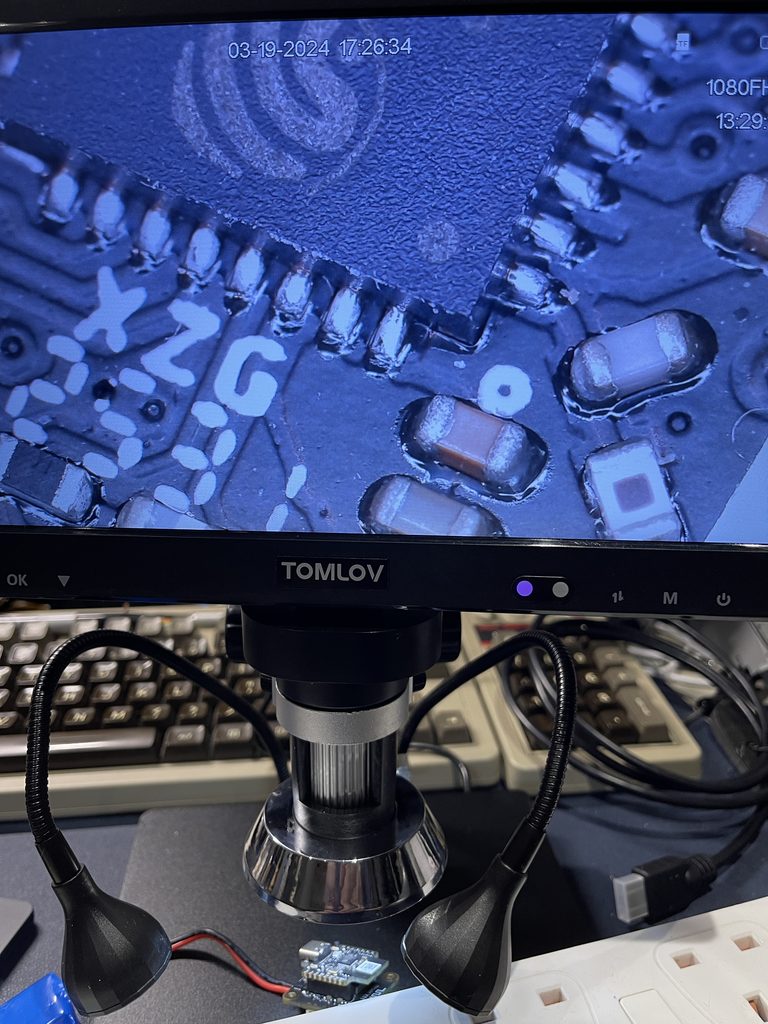
Digital zoom is fairly crisp (sensor has more pixels than the 1080p output, so early zoom is probably a crop), softer of course at the medium to high end of its range.
While cheap feeling and in appearance, the diffuser is definitely worth using, without it your images will have blown out areas and colour will be impacted, especially when looking at anything shiny.
Screen brightness can not be finely adjusted. The side scroll wheel is for controlling the lens LED brightness, not the screen. Screen brightness is available, hidden in a menu setting, but the only options are Strong, Standard, Soft.
Video Out
On the unit there is a port labelled “TV”, this is where you attach the mini HDMI cable to full size HDMI for using a larger screen or screen capture device.
There’s also USB-C webcam mode and I was delighted to see it works on macOS with no driver required. I did test recordings that came out nicely, although Photo Booth mirrors the picture so the silkscreen text reads backwards, but ScreenFlow and CamPhoto work with it perfectly.
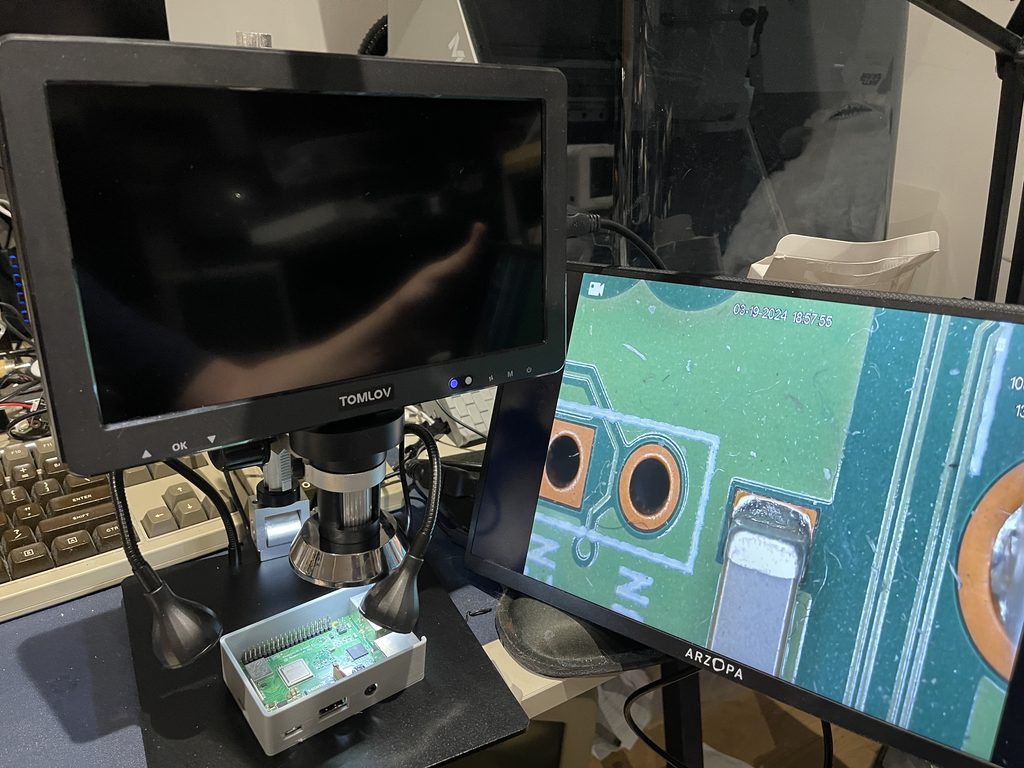
A real shame is when outputting the video, built-in screen output blanks and TOMLOV confirmed that it is by design. Competitors do allow you to see both so it seems a strange decision, IMO, especially as their own marketing shows the screen, a monitor and a laptop all live at once.
As well as direct video output, you can also record to the SD card (1080p H.264, 30 fps, about 10 Mbit/s, with audio). It does have a mic, so remember to strip sound from any recordings you make!
Other reviewers thought there was a 5 min limit but mine sailed past 7 min when recording work on my Minstrel 4th, and it came out as one contiguous file. There is a date and time stamp burned in by default so I switched it off.
Other settings I tweaked were power frequency 50 Hz (no flicker banding under room lights), and auto power off to Off.
Documentation Confusion
If you want to download the PDF manual from tomlov.com you are presented with a Google Drive “Request access” dialog so if you don’t have a Google account or need access right away you are out of luck.
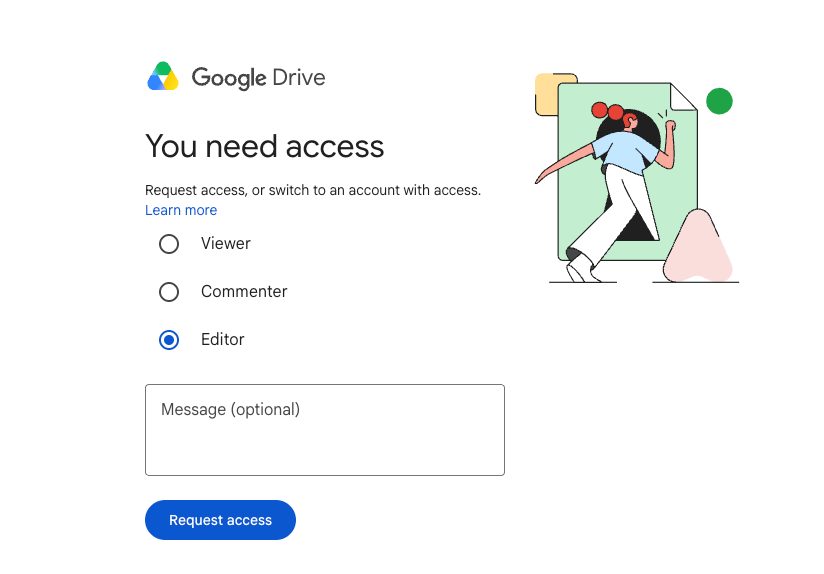
Worse, a lot of third party docs and websites are inaccurate, for example mentions of Wi-Fi, bundled software, calibration slides, but none of that applies to this model.
TOMLOV DM9 Max Review Verdict
I wasn’t expecting to like this microscope so much, but I am absolutely delighted with the TOMLOV DM9 Max. The screen is bright and the output is detailed. With my silicone mat I don’t feel like anything is going to short and slip around, and I can get my sausage-like fingers around everything comfortably.
Who it is good for:
- Hobby soldering, board repair, retro repair.
- Makers who film their work
- Collectors such as coins and stamps who need to inspect items closely
What it is not is a replacement for where a stereo scope still beats anything else and that is things like micro soldering where the lack of actual 3D view really gets in the way of productivity. Fortunately the times where I need that are tiny in comparison to the above.
The screen blanking on capture is the one real downside, and for me I would love a wide-angle option, but I have immediately found it has replaced my expensive stereo scope and you can’t complain at the price.
TOMLOV DM9 Max Discount code
TOMLOV kindly provided a discount code that is valid until 31 October 2026
10% off with code 2JSBKBAZ
(TOMLOV’s link, NOT an affiliate link)
*TOMLOV sent me the DM9 Max for this review. They had no say in what I wrote.

 BIQU Panda Sense Pro Review