
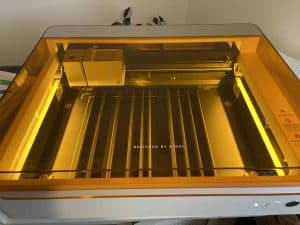
The xTool M1 Ultra is not just a laser or a vinyl cutter, but is the world’s first 4-in-1 craft machine.
If you’re setting up a craft room or a design studio, the xTool M1 Ultra is an amazing machine to consider.
One thing to take into consideration is it will be a while before we even know what this guy can do because this is a multi-function machine with many individual capabilities that we have as a community not even begun to combine into all possible combinations. I am having fun finding out, though!
xTool M1 Ultra Overview
As I mentioned, the xTool M1 Ultra is not just one tool but many, all in the same box, all using the same motion system, and in different ways:
- Laser cutting and engraving
- Vinyl cutting
- Paper cutting
- Leather cutting
- Fabric cutting
- Paper, card stock and leather embossing
- AND, it’s also a color inkjet printer!
The M1 Ultra is beautifully designed and would suit any home, craft shop, or studio. It doesn’t look like a typical workshop tool, more like a cool appliance designed by Sony or Apple.
It is made mostly of metal with a hard, white plastic case and a transparent orange safety lid.
As usual with xTool, it was beautifully packaged and it came with tools, spares, and a thick manual.

One article will not do it justice so consider this the overview and I will follow up with hands-on projects demonstrating each feature.
M1 Ultra Specifications
- Laser Power: 10W laser power for fine engraving (0.06 x 0.04 mm spot size) or an optional 20W laser module for more cutting power.
- Blade Cutting: Cut vinyl, leather, paper, card sock, textiles, and other soft materials.
- Connectivity: USB or Wifi
- Software: The xTool Creative Space software is free and easy to use, plus it includes fonts, clip art, and project files to get you started.
- Speed: 400mm/s
- Working Area:
- Laser Mode: 300mm x 300mm
- Blade Mode: 295mm x 295mm
- Pen Mode: 300mm x 300mm
- Inkjet Mode: 294mm x 298mm
The M1 Ultra in Operation
Like the xTool S1, the M1 Ultra has easily swappable modules that do the cutting, engraving or embossing.
This also means you can upgrade as your needs evolve, and as xTool release new features. An ideal upgrade would be the IR laser and 40W from the S1, for example.
Heck, a 60W like on the Creality Falcon would be amazing!
There is a fixed module on the left, but the right-hand space is for modules that can be swapped in and out.

The knife modules can use different blade tools, such as a large blade for thick materials such as leather or card stock, a rotary blade is ideal for fabric, and an embossing tool for creating embossed effects on paper or leather.
These tools are quick and easy to switch out as there is a magnetic mechanism and a clamp to line them up, lock them down, and keep them in place.
The software seems to even detect which tool you’re using.
Laser Cutting and Engraving with the M1 Ultra
The laser module will be what most of you will be interested in first, and it is after all what the xTool brand is mostly known for
As with the other modules, the laser attaches easily and has no cables to attach. Just clip it in and go.
The unit I got with my machine is the 10W, which is capable of beautiful engraves, cuts 3mm basswood very nicely in one pass, and can cut thicker materials by using multiple passes (you can also take advantage of a cool feature where it can drop the autofocus as it does cut passes).

I was confident with the capabilities after enjoying the xTool D1 pro before but it is good to confirm that it is a capable laser even with these other added functions.
My M1 Ultra came with an air assist, and that really makes a difference in getting clean cuts.
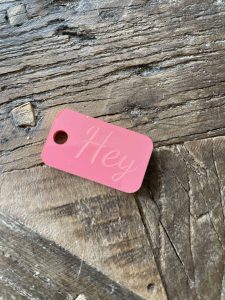
You might be thinking 10W isn’t a lot, but consider the Cricut upgrade community this machine is ideal for is currently buying the Glowforge 6W diode laser, and they are making cool things, so 10W is a definite step up, and can be easily swapped and upgraded.
Unlike the S1, the M1 Ultra smoke extractor fan clips onto the back of the machine and incorporates a small replaceable filter, but I am sure you can also use the full-size xTool filter machine too if you need more power.
Safety-wise, as well as the enclosure that blocks the laser blinding you (and stops the machine lasering if the lid is open), the machine also has motion detection to cut power if the machine is moved, and fire sensors that work with an optional suppression system.
Blade Cutting and Embossing
Many people upgrade to lasers from the Cricut and Silhouette world, so this machine is perfect for this large cohort of users.

This opens up the capability of making t-shirt design transfers, tote bags, stickers for Yeti mugs, wall art, and such – that whole side of things that the crafters on Etsy are known for.
A big difference of course is instead of having to buy pre-cut blanks to add this stuff to, you can make your own custom wood or acrylic shapes using the laser.
For us laser people, think of all the times we make wooden boxes and enclosures and it would be nice to have lettering applied that is not the usual burned-in engrave or a score. A whole world of color and texture just opened up!
The machine includes two sticky cutting mats that hold your material in place during cutting. One is a regular tack and the other is a stronger tack for thicker materials such as leather.

After lasering anything that produces dirt or sticky resedue, you will be thankful that you have these to keep your other materials clean too!
One concern I have is that people might mix their materials between the knife and laser without realizing the sort of toxic smoke that can be released by lasering vinyl, so hopefully we as a community can communicate some gentle warnings before people hurt themselves or their machines!
Pen Plotter
Besides cutting, the xTool M1 Ultra also functions as a plotter. You can attach a pen or pencil to draw or write on your material.
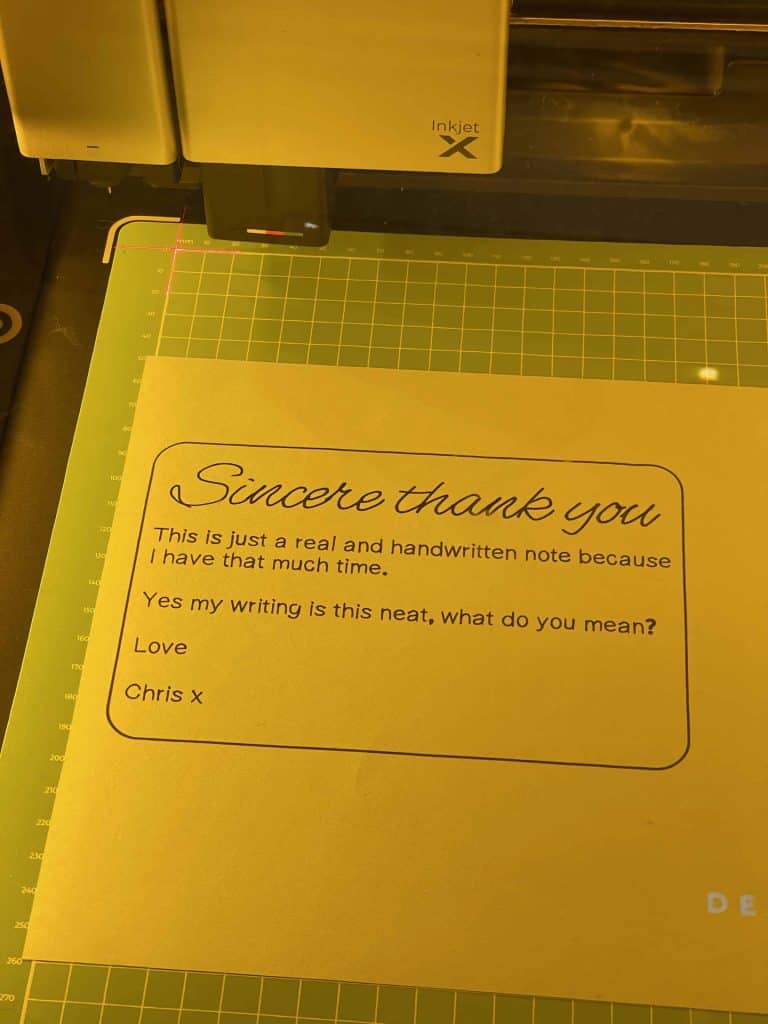
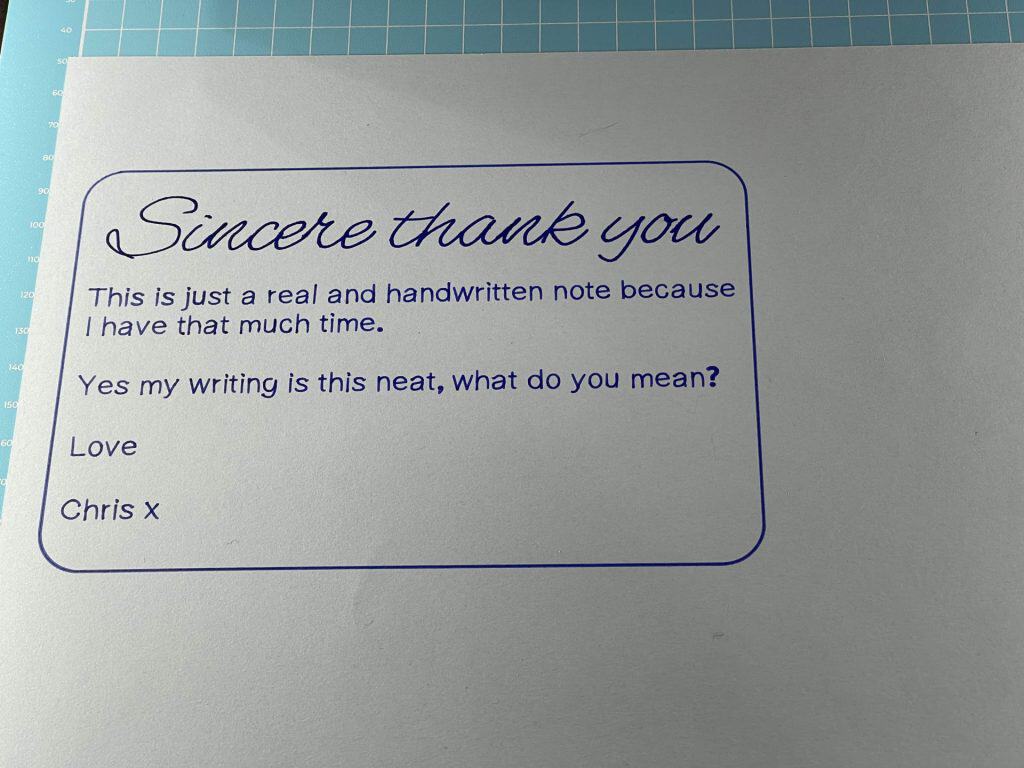
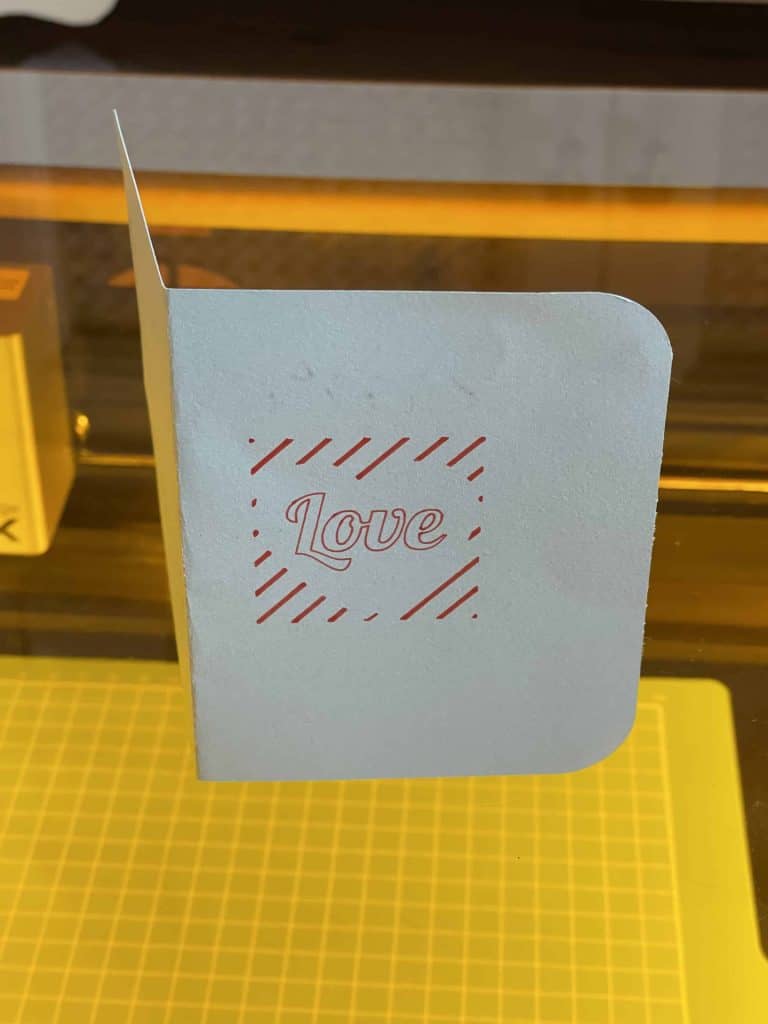
The software includes single-stroke fonts, perfect for pen use, allowing you to create intricate designs and text.
Inkjet Printing with the M1 Ultra
The last module is one I am really excited about and it has my creative neurons firing. It’s the inkjet printer module.

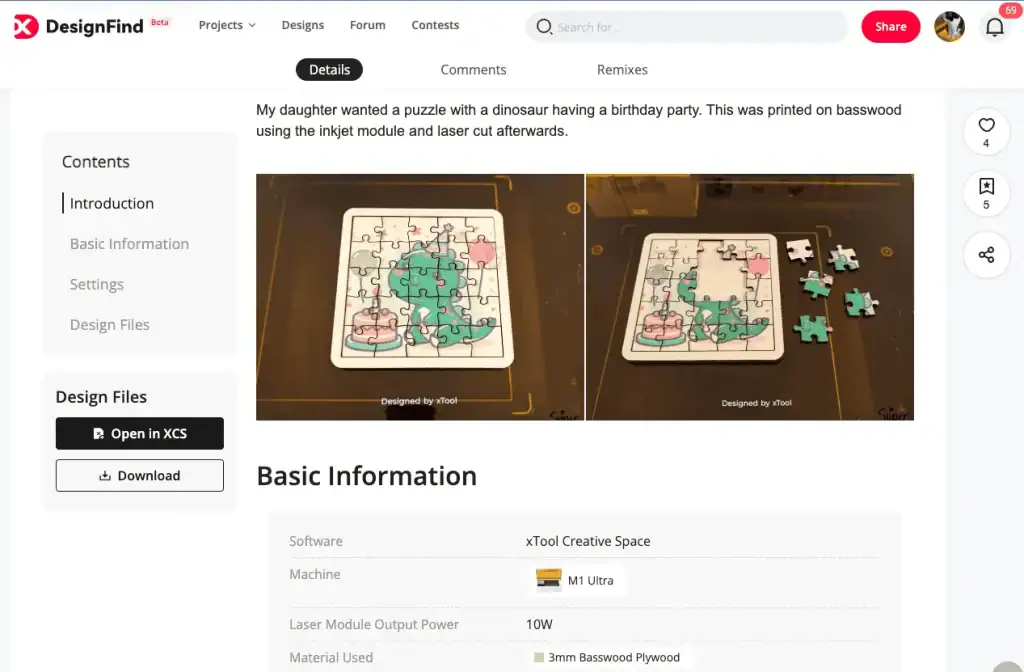
It uses traditional ink cartridges that we are all familiar with in paper printers, but this guy also handles thicker materials like wood or fabric.
Imagine being able to print stickers or bookmarks in color and then cut out your designs using the drag knife. Previously you would need to print out on your inkjet using registration marks then feed into your vinyl cutter hoping everything lines up!
But even more inspiring for makers, make wooden signs or puzzles with the laser and color them, all on the same machine!
I would love for xTool to bring out a whole range of inks, dyes and paints that work on acrylic, wood, fabric, etc for this machine, that would open up even more possibilities …
xTool M1 Ultra Review Conclusion
The xTool M1 Ultra is a crafting Swiss army knife, that combines a vinyl cutter, laser, and color printer into one compact machine.
Its real magic though is the whole xTool ecosystem along with clever design features that allow you to quickly switch between different tools to create multi-media projects with a precision never previously possible.
For those who don’t need all these features, xTool also offers specialized machines like the larger S1 diode laser or the more powerful CO2 laser, the P2.
For more details, and the current deals, you can visit the xTool website.

 Genmitsu 710W 65mm CNC Spindle Router Review