
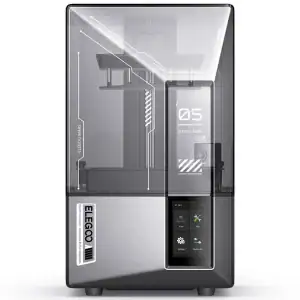
If you’ve been following Elegoo for any length of time, you will know we’re now on the fifth generation of their amazing Elegoo 3D printer, which is pretty mind-blowing.
Up until now many people will have been in the same boat as me and felt that the differences were minor enough that we didn’t bother upgrading.
That is not to say I am anything but a fan – I’m a happy owner of the original …
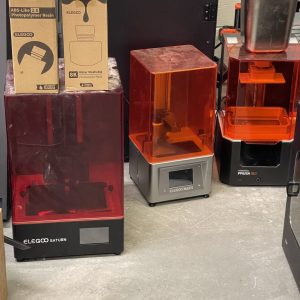
This is not including the machines I handed off to friends when we left Canada.
I’ve been very happy with these machines so I was not compelled to upgrade, but the Mars 5 Ultra definitely breaks that trend. It’s the most accessible consumer-oriented resin printer I have ever used.
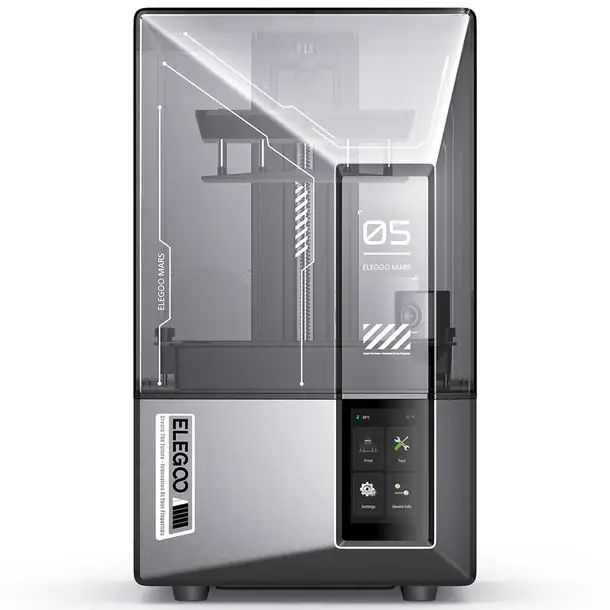
Mars 5 Ultra Design and Features
The Mars 5 Ultra looks a lot like the Saturn 4 Ultra, with a two-tiered, laser-etched build plate and a lift-off lid. This means you need to provide a lot more head room for the printer than the compact footprint would imply. I’d much rather a hinged door open outward from the front like on the Jupiter.
A latch secures the plate onto the Z axis. I much prefer this to having to tighten down a knob while wearing gloves. Apparently this is “self levelling” which seems to mean the plate is springy? Apparently the printer can detect the pressure in each corner and adjust, which is also how it detects if you have enough resin in the vat.
The resin tray is metal, which makes it robust but more expensive to replace, I still have a bunch of the plastic vats with lids from the original which was great for quickly switching resins and colours, as well as largely doing away with replacing fep sheets. Sadly the tray bolts down rather than using a similar latch arrangement to the build plate.
You will find the power, USB, and Wi-Fi antenna on the right hand side. Yes, a Wifi antenna! Unfortunately for this Elegoo mars 5 review I couldn’t get the network printing working so I was forced to use the USB stick. Would be much more convenient to have the power switch and USB on the front of the machine.
No air filter or chamber heating is included. Yes, this is foreshadowing.
Differences between the Elegoo Mars 5 and Mars 5 Ultra
Note that here I’m reviewing the Mars 5 Ultra, not the standard Mars 5. There are differences between the two that might be significant for you.
The biggest Mars 5 vs Mars 5 ultra data point is the Mars 5 is about $100 less than the Ultra, for a start.
Other important differences between the Elegoo Mars 5 and Mars 5 Ultra resin 3D printers are their display resolution, XY resolution, light source, and maximum print speed:
| Mars 5 | Mars 5 Ultra | |
|---|---|---|
| XY resolution | 35 x 35 µm (4098 x 2560 px) | 18 x 18 µm (8520 x 4320 px) |
| Display resolution | 4K monochrome | 9K monochrome |
| Max. print speed | 70mm/h | 150mm/h |
Added Features on the Mars 5 Ultra vs Mars 5
- Tilt Release: The Mars 5 Ultra has a tilt release function that allows for faster printing.
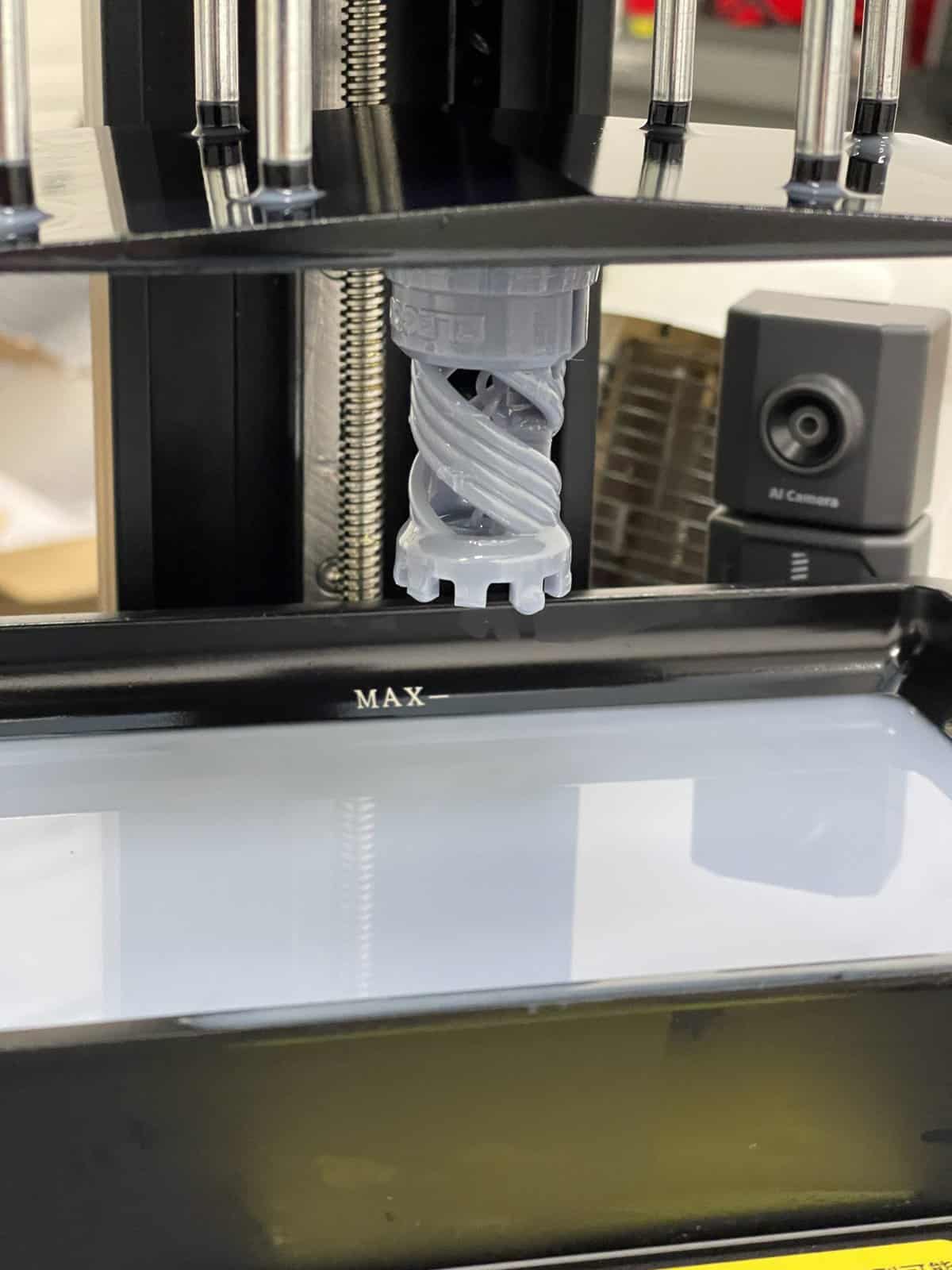
- AI Camera: The Mars 5 Ultra has an AI camera that can monitor the print in real-time and take time-lapse photos.
- Resin Vat Sensor: The Mars 5 Ultra has a smart sensor that can detect resin shortages and foreign objects.
- Temperature Sensor: The Mars 5 Ultra has a temperature detection feature that alerts you when the LED light temperature exceeds a preset temperature.
- Wi-Fi The Mars 5 Ultra supports Wi-Fi printing.
AI Camera and Monitoring
Taking inspiration from Bambu, the Mars 5 Ultra comes with a built-in camera.
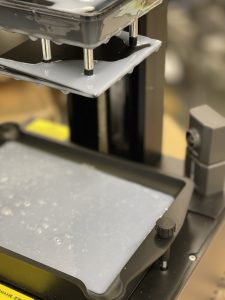
The idea is as well as timelapse videos, you are meant to be able to monitor print failures such as adhesion issues or warping. It doesn’t at all, but it is meant to do those things.
The obvious flaw in the plan was the camera is tucked down in a corner where it can’t actually monitor the print, and it could only see the part of the print closest to the camera if it did. Once the print has completed enough that it has risen out of the vat it would be too late to be much help anyway. The camera is not night vision either. You can’t light the print in progress so that you can actually make out details because that would throw off the AI.
I had a lot of failures and none of them were detected, so I suggest Elegoo forget about this whole feature and save the customer money.
User Interface and Other Features
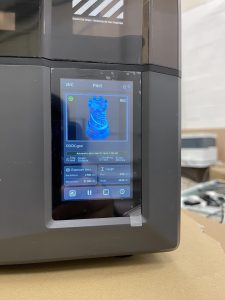
The colour touch screen has a portrait layout, which looks good and is easy enough to navigate. Would probably be easier to use if landscape orientation as the on-screen keyboard is tiny and frustrating for fully grown adults.
During boot-up, the printer runs a self-diagnostic, which is reassuring.
I love the exposure testing feature which allows you to print a set of test models, each with different exposure settings, so you can quickly fine-tune your resin settings. My go-to exposure test is too big to fit 4 copies on the plate at once, which strangely you are forced to do – the Elegoo software does not allow you to print off an arbitrary number.
Resin Vat Tilt Mechanism
Now, for the most appealing feature, that is the tilt mechanism. You might be familiar with this mechanism from the Prusa SL1 and some more industrial-focused printers.
Rather than pulling the print vertically from the FEP, causing stresses on the model and slowing down the print, instead the vat rocks forward, reducing suction forces.
This all means you are more likely to get successful prints, and in less time.
Print Quality on the Mars 5 Ultra
While I was happy with my older resin printers, the Mars 5 Ultra delivers excellent print quality, and quickly.
Using just regular “standard” grey resin, the prints that succeeded came out beautifully.

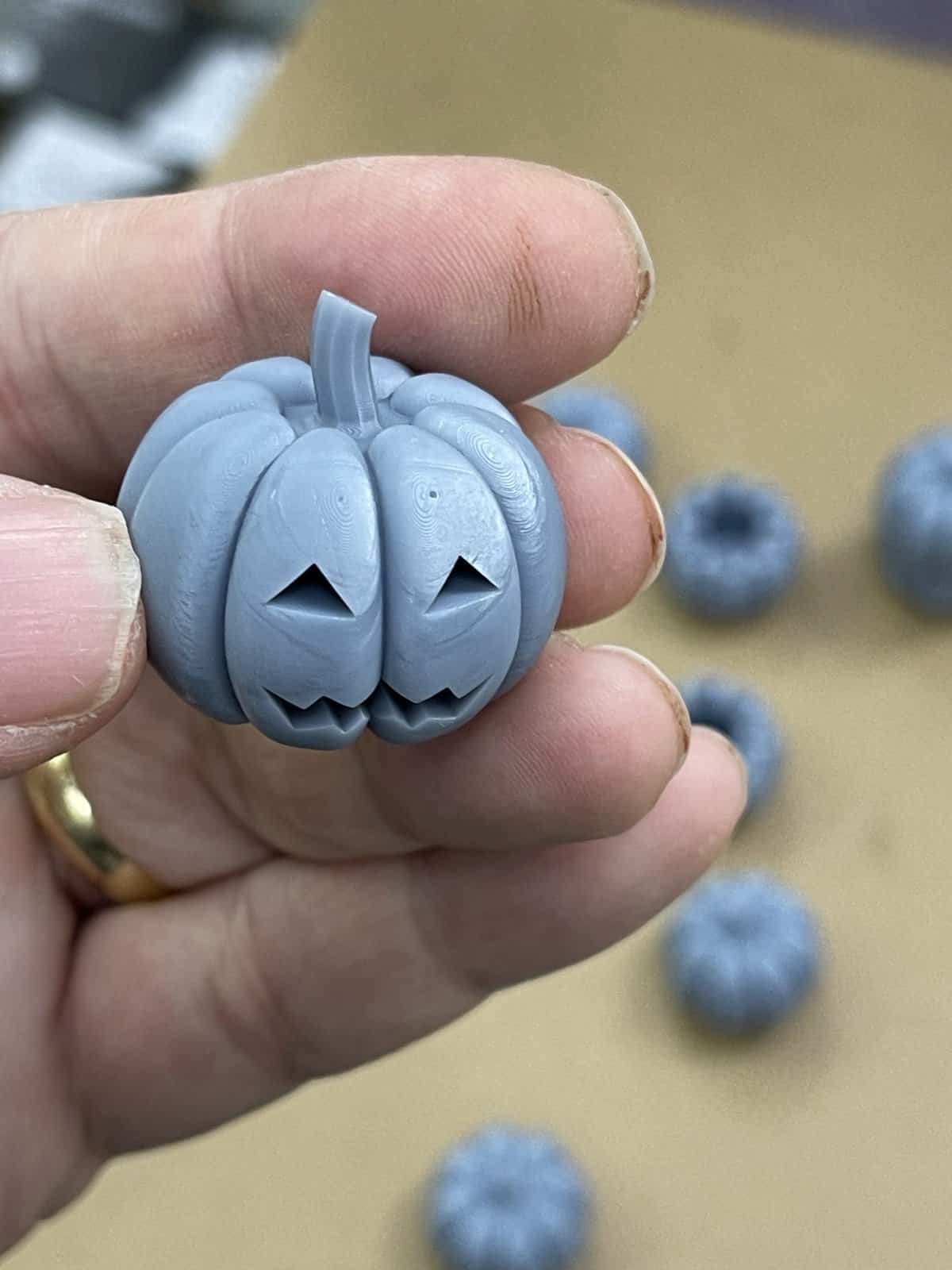
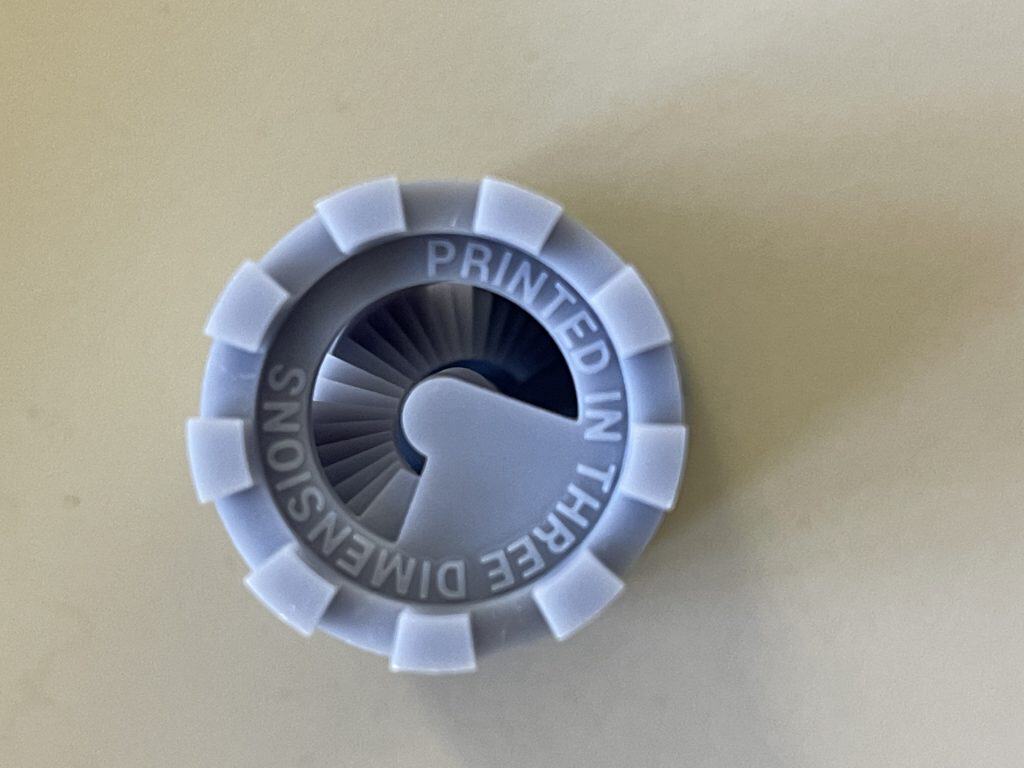
Your tastes might differ, I am going for “tabletop quality”, but even with this humble resin I got incredible detail.
That is not to say I got these results immediately.
You see, resin 3D printers are extremely susceptible to temperatures.
Your resin needs to be between 25 and 30c, which my workshop isn’t. Even with the heater on I couldn’t get the ambient temperature above 20c.
In the end what worked for me was blasting hot air on the 3D printer using a forced air heater, and that inevitably meant the temperature was too high most of the time, and varied wildly.
It also helped a lot to start heating way before I started the print.
Pros & Cons
This will come across as a bit of a fanboy glowing review, but I do need to make clear there are some negatives to go along with the positives.
Pros:
1. Compact Size: The Mars 5 Ultra offers similar features to the Saturn 4 Ultra but in a smaller, more compact form.
2. Fast Printing: The tilting vat mechanism allows for incredibly fast printing.
3. Ease of Use: The Mars 5 Ultra is easy to use, with no need to level the bed.
4. Build Volume: It is perfectly capable of printing miniatures and even statues, despite the compact size.
5. Safety and Reliability Features: Includes sensors to prevent overfilling with resin, a built-in camera for remote monitoring, power-loss resume function, and automatic firmware updates.
6. Wi-Fi: Allows wireless printing and firmware updates.
7. Exposure Testing: The ability to run multiple exposure tests simultaneously, saving time during calibration.
8. Affordable: Priced at $270, making it an affordable option for an advanced resin 3D printer.
9. Print Quality: Prints exhibit clean and smooth surfaces, even with minimal support adjustments.
10. Drip Tray and Easy Pouring: The design includes dual spouts for easier resin pouring and cleanup.
Cons:
1. Lid: Unlike some other models, it still uses a fully removable lid, which may be less convenient for some users.
2. Over-Adhesion: The build surface may cause prints to stick too well, making it difficult to remove prints without reducing the bottom adhesion settings.
3. No Heater: The Mars 5 Ultra does not include a built-in heater, although an external heater option will be available at some point?
4. Conservative Speed: The printer lacks an experimental ludicrous speed profile option that could push print speeds even further.
5. Build Plate Shape: The two-tier design of the build plate can make it tricky to clean resin residue between prints.
6. AI Camera: AI capabilities are a waste of time and their functionality remains uncertain.
7. UI Confusion: Users need to be careful with speed settings, as forgetting to switch from slow to fast can significantly affect print time.
8. Software Support: The current ChituBox did not have a profile and the included slicer software is in beta.
Conclusion
In summary, I’m super happy with it, and I’d recommend it to anyone looking for a feature-rich, reliable resin printer at a very attractive price point.
For the bargain price considering all the features and the output quality, I think it offers fantastic value.

 Laser Cut Arduino Autonomous Obstacle Avoiding Robot