
The AtomStack Kraft laser is a step forward in laser technology, a market that is ram-packed with options.
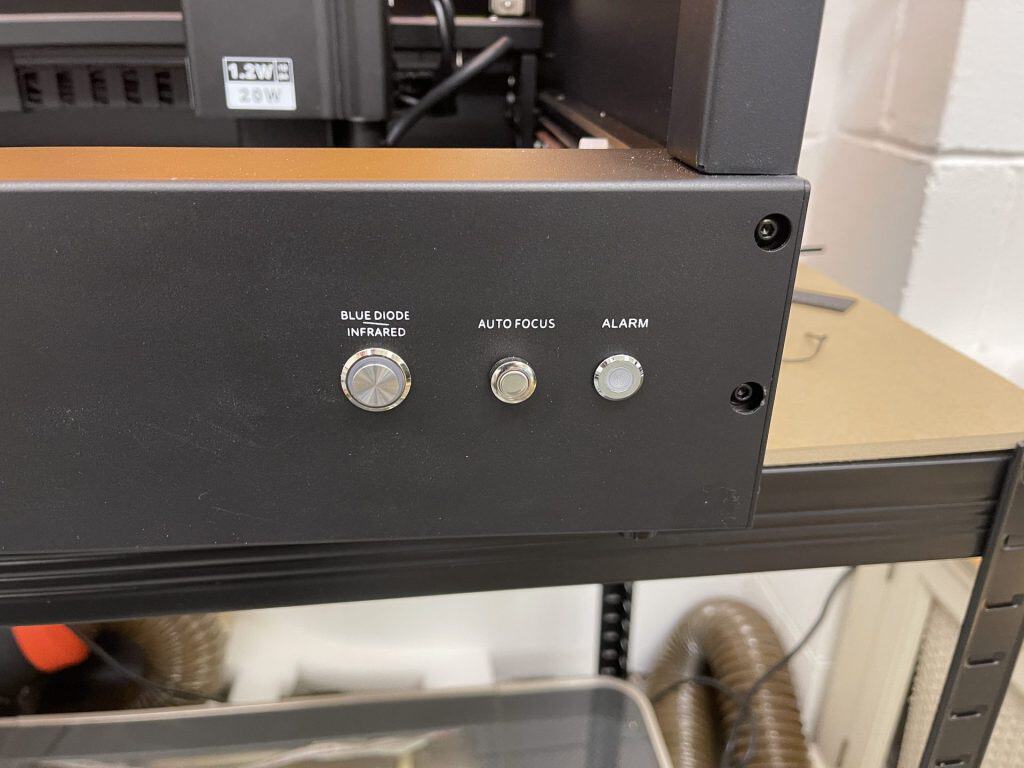
This machine combines a 20W blue diode with a 1.2W infrared (IR) diode. Having both in one machine has been done before, but in the Kraft both beams can run at the same time, giving better precision and more options for engraving.
Key Features and Setup
I was delighted when AtomStack said they would send this for review as I was very happy with the AtomStack Hurricane that I reviewed before.
As before, it all came well packaged and was very simple to get up and running.
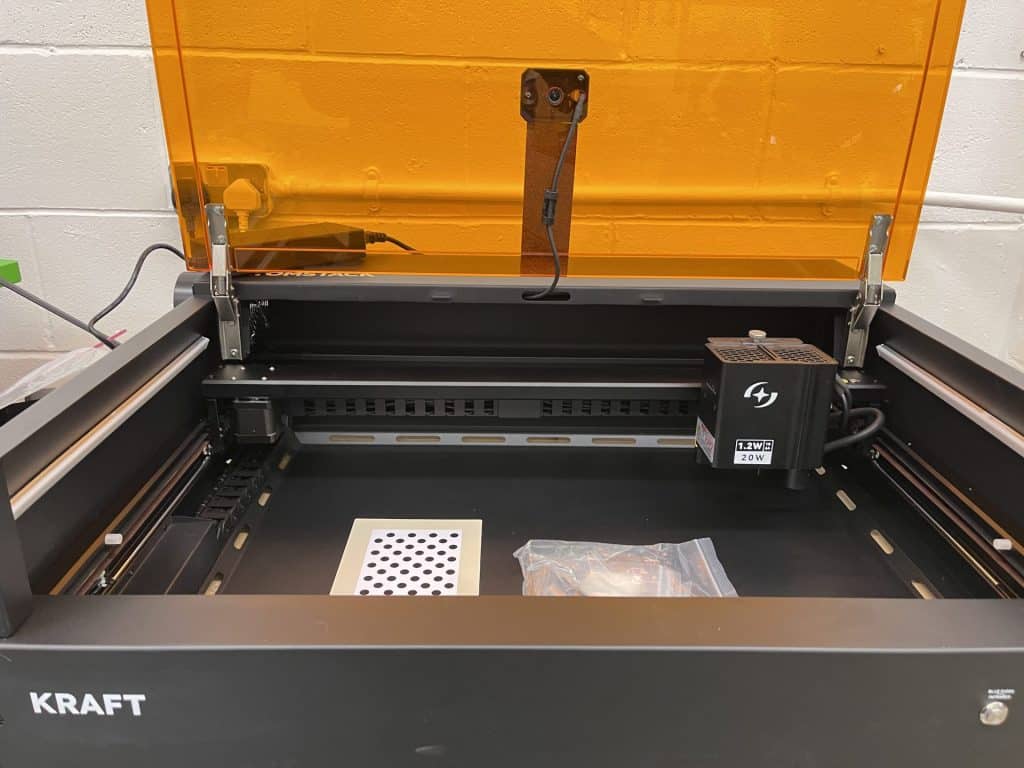
- Build and Design: The Kraft has a sturdy metal frame with an acrylic window so you can see your work clearly. Even so, I was surprised how chonky it is, but if you have a handy buddy for a minute, then two people can easily move it.
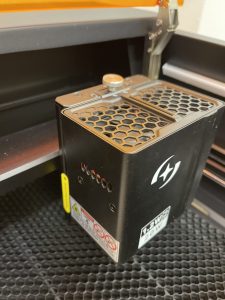
- Swappable Laser Modules: Similar to the xTool S1, this laser has diode laser modules that plug in and can be swapped out, meaning it should be possible to upgrade the laser power or switch to a different laser frequency at a later date.
- Workspace: It has a good 500mm by 320mm (19.6″ x 12.6″) work area (extendable to 19.6″ x 31.5 with a conveyor), plenty for materials such as leather and acrylic. The honeycomb bed seems to stay pretty clean even after lots of use.
- Autofocus and Beam Control: The Kraft includes push-button autofocus like its big brother, the AtomoStack Hurricane, and switching between the blue and IR beams is also easy with a simple button press.
- Air Assist and Exhaust: The air assist system adjusts automatically through software, and I appreciate how the exhaust port and the power socket are on the side so you can place the machine against a wall without blocking airflow or bending cables.
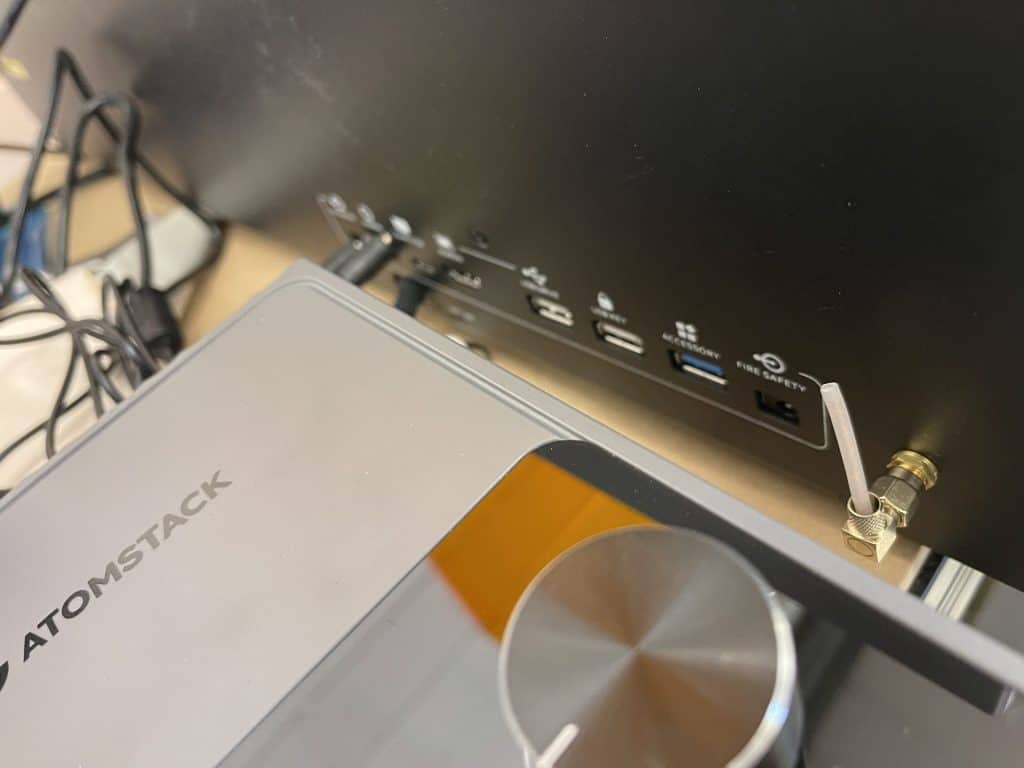
- Fire Safety: There’s an optional fire suppression system that sprays water through the air assist nozzle if a fire is detected.
- Software Compatibility: The Kraft works smoothly with both AtomStack’s software and LightBurn, giving you flexibility.
Engraving and Cutting Capabilities
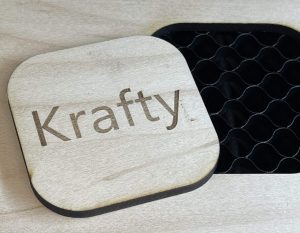
20W is not going to win any power awards but it is plenty for 1/8″ plywood, and it makes easy and crisp work of engraving. Remember to ensure the laser is focused correctly to avoid blurry results.
There is also plenty enough power to do height-map engraves that give the appearance of depth.
The Kraft is great for engraving leather, and anodized metals. Use the infrared laser for marking metals, as it provides a cleaner and more precise mark, especially on reflective surfaces.
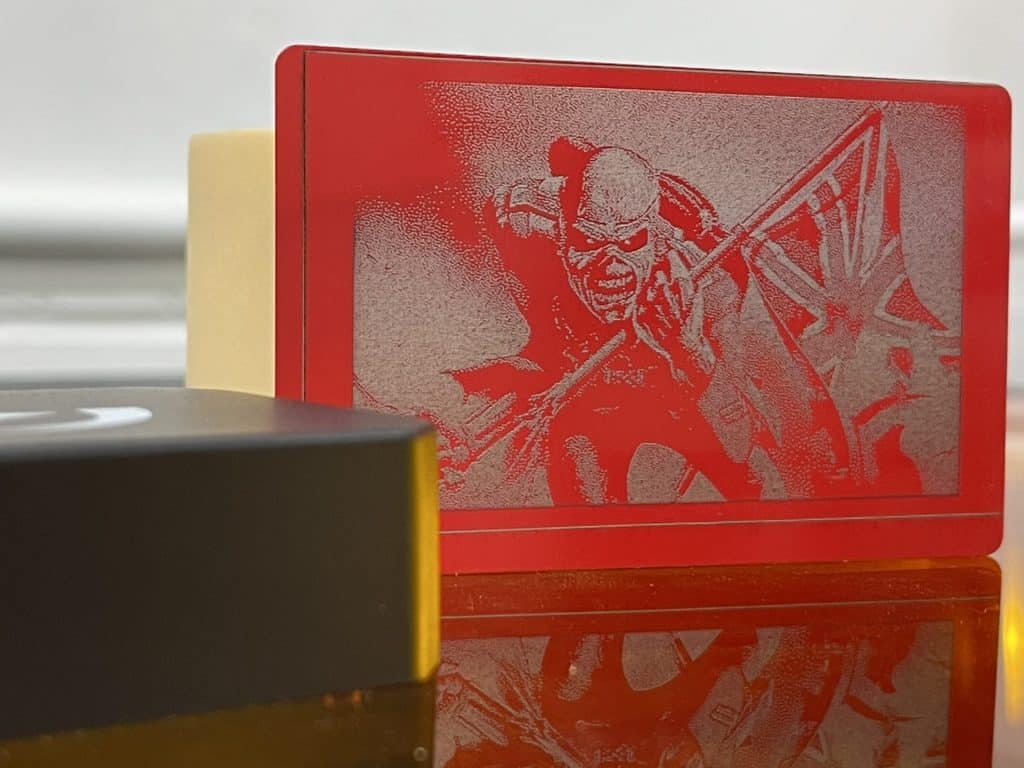
Plastics can also be marked using the infrared laser, producing detailed and crisp results. It’s not the best for clear acrylics, but it works well with darker and colored materials.
Engraving organic materials, such as leather and cork, may cause some charring, but adjusting the power settings can help minimize this. Blank coasters can be customized with logos or designs, making for excellent promotional items.
It engraves at around 200mm per second, which is not the fastest machine in my collection, but it produces clean, high-quality results.
Tips for Working with the AtomStack Kraft
- Setup and Safety:
- You’re going to be tempted to try this thing on all kinds of exotic materials, particularly non-organic ones. It’s especially important to ensure your laser is set up in a well-ventilated area and that those materials are laser-safe.
- Although these are quality machines, and are generally safe to use without additional eyewear when the lid is closed, it is advisable to never leave the laser unattended because, again, exotic materials are especially prone to setting on fire.
- Focusing the Laser:
- Proper focus is critical for achieving detailed engravings. Use the autofocus feature, or manually adjust the focus using the knob on the laser module for each material you work with to ensure the best power and accuracy.
- Choosing the Right Laser Mode:
- The diode laser is ideal for wood, leather, and similar materials, and the infrared laser is better suited for metal and plastics.
- Maintain the Laser:
- Regularly check and adjust the belts, and make sure the exhaust and air assist systems are working properly.
- Clean the laser lens and components regularly to keep performance at its best.
AtomStack Kraft Review Conclusion
The AtomStack Kraft laser is a capable and versatile machine for both beginners and experienced users. Its dual-beam technology, solid construction, and easy-to-use features make it a great addition to any studio or craft room.
If you’re looking to get into laser engraving a wide variety of different materials, this machine is worth considering for its unique features and strong performance.
Get All the Details
Get the full specifications and check the latest pricing at the official website.
Use the code MakerKraft at checkout for a 5% discount!

 Raspberry Pi Touch Display 2 Review