DC motors are pretty simple. Apply power and ground, watch it move. If you supply enough power it will rotate. This means you don’t actually need a microcontroller to see your motor work, and if you do have some kind of electronic brain then (provided the motor is small enough it doesn’t draw so much current that it fries your chip) you can switch the power off and back on, making a simple robot.
Beyond the most tiny of DC motors, however, you do need to protect your circuit. As well as drawing a lot more power than regular microcontrollers are rated for, there can also be a damaging spike when the motors are switched on and off.
We usually also want to have finer control than just on or off. We would like to control speed and direction. Simply wiring up 5v and ground won’t allow for direction, and turning off and on again rapidly allows us to control speed but then we have that power spike mentioned earlier.
H-Bridges and Electronic Speed Controllers (ESC)
In our experiments we will start with the “traditional” way, using transistors, diodes, controller chips, MOSFETs (sounds like a Star Wars character, doesn’t it?) and so on, but there are easier ways and we will get to those too. The easy way also gives you more capabilities in the long run, and with ebay and Aliexpress there is not much price difference in it, so there are a lot of advantages to going with the controller hardware.
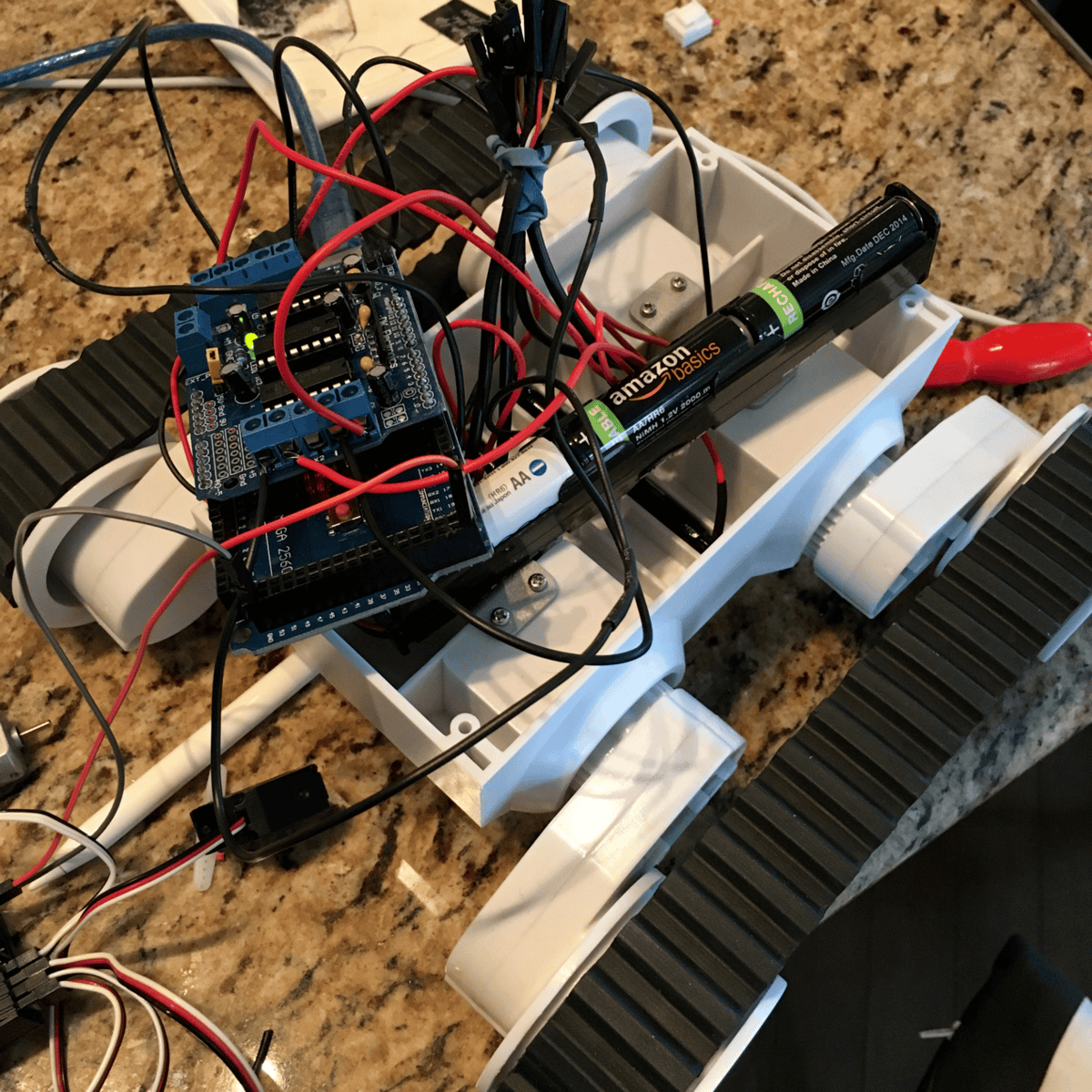
H-Bridge/Motor Controllers can either be the raw chip (often L298 or similar) or a breakout that packages the chip and associated components in an easy to use board. They have voltage regulation, heat sinks, and other user friendly features. Often you can also plug in your servos or stepper motors too.
You see ESC a lot in remote controlled cars and planes where, in general, they are controlled purely by the remote control receiver. The control sends radio signals over channels and those channels are wired directly to the speed controller which is wired directly to the motor. Battling robots are often controlled this way too, partly because they need super beefy motors and power consumption, and the machines themselves are seldom very autonomous. You also see ESC in Quadcopters driving brushless DC motors for maximum efficiency and responsiveness.
Servos
Servos have control circuitry on board, so if you get a continuous servo you can drive it using your microcontroller just with signals from your pins and, to be safe, external power. Depending on your intended project and the board you are using, though you might need an external breakout or PWM chip to drive enough servos, so those are an option.
Steppers
In most cases you are going to need a stepper driver. My favourite tiny eBay steppers came with little controller boards, but using the motor shields/breakouts mentioned earlier is an option, as is dedicated stepper drivers from stores such as Pololu.
Shields versus Breakouts
In general, I am more of a fan of breakouts than shields. Shields (and “Hats” in Rasbperry Pi world) are intended to fit one specific device, so for Arduino they tend to fit the Uno or Mega, and are not going to fit, say, a Teensy. That said, they are pretty convenient and more plug and play, so choose the right tool for the job and your budget! I will show you both and you can make up your own mind.