

If you’re in the market for a desktop laser, you are probably also looking at enclosed diode lasers such as the amazing xTool S1 and the wonderful xTool P2 and wondering which is right for you.
Let’s compare your options and choices when it comes to diodes versus co2 lasers so you can get what works for your situation.
Which Materials?
Your main decision will be what do you want to cut with your laser, because a diode laser cannot cut clear acrylic at all, and will struggle with some other kinds or colours of plastic too.
This is because of the wavelength that diode lasers operate at, even though there are various types of diode laser.
| Laser Type | Wood | Plastic | Acrylic | Leather | Metal | Glass |
|---|---|---|---|---|---|---|
| Blue (445 nm) | Excellent | Excellent | If opaque | Excellent | Only coated | No |
| Infrared (808-1064 nm) | Good | Excellent | Good | Good | Excellent | Limited |
| UV (355 nm) | Good | Excellent | Excellent | Good | Good | Excellent |
| Green (532 nm) | Good | Good | Excellent | Good | Excellent | Excellent |
Flexibility
You might think CO2 is the clear winner (pardon the pun) in this case, because CO2 can cut transparent materials. But do you need to cut transparent materials?
There are a lot of people making good money with their diode lasers who purchase ready-cut blanks, they forgo the ability to cut clear acrylic but can still sell products made with it.
When it comes to flexibility, there is another kind of flexibility to take into account, because lasers such the xTool S1 can change diode laser modules quickly and simply, for different abilities.
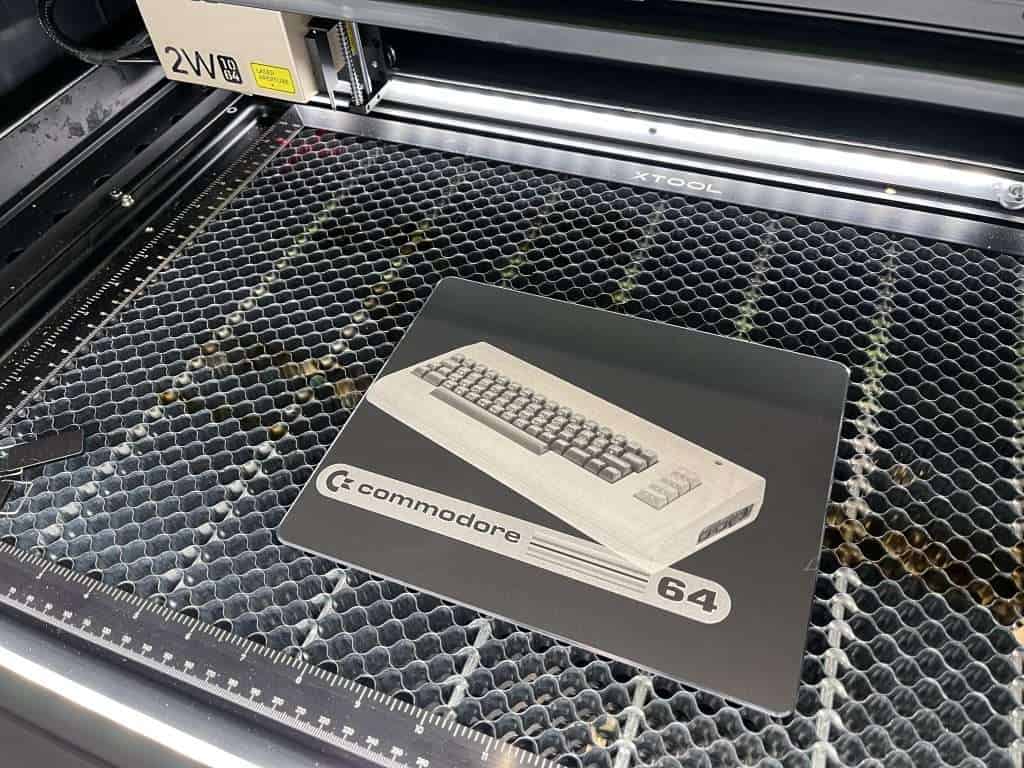
For example finer or more powerful engraves, or IR versus blue for lasering metals, etc, or for repairs.
With the CO2 laser, you have a glass tube which is a fragile, expensive consumable, and not exactly end-user-friendly to replace. You can switch lenses, but you are pretty much restricted when it comes to changing the tube type.
Power Versus Details
Power output plateaus on diode lasers around the 70-80w mark, but CO2 lasers can go up to 150W for general use and higher in industrial or scientific settings (though they cannot be compared exactly like for like).
The problem is, once you get into the 40W and above power range, the spot size of a diode is going to get much, much larger, whereas the spot size on a CO2 remains good for high detail, especially if you don’t mind swapping out lenses.
This is because the way diodes increase in power is by combining multiple light sources, whereas with the CO2 the beam is output, bounced, and then focused.
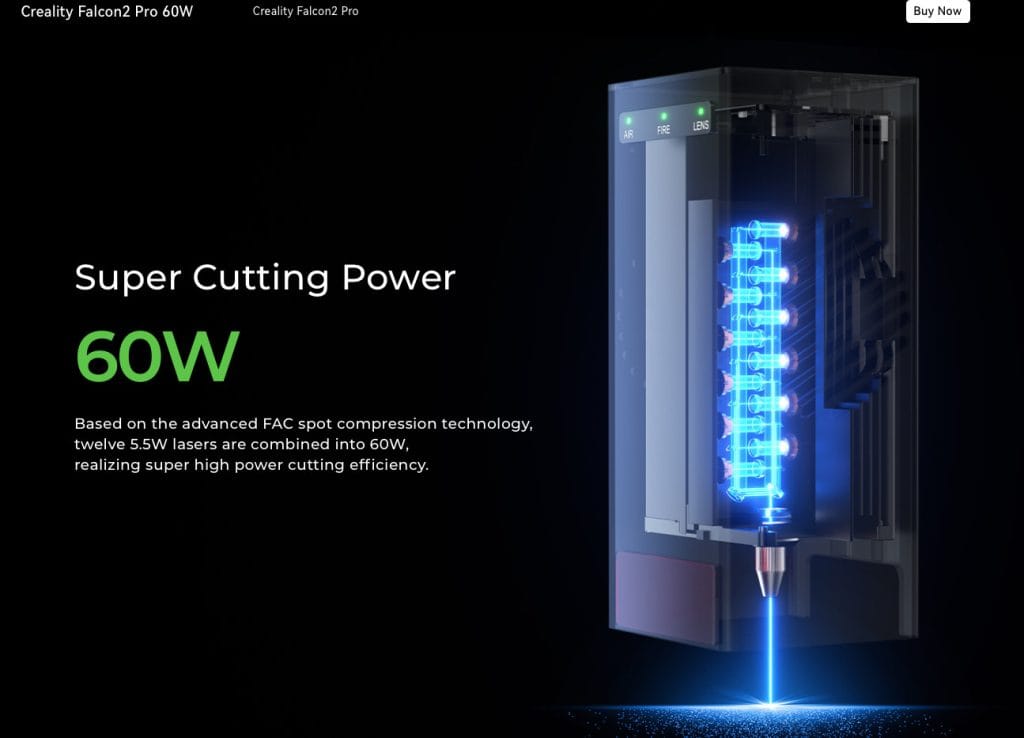
You can get extremely fine detail on a diode laser by selecting the correct machine for your job and forgoing the ability to cut thick materials in one pass.
The Creality Falcon 2 has a brilliant solution to this problem. While it can go all the way up to 60W of power, you do not have to run it at full power – you can turn off lasers to get finer output at lower wattage!
Cutting Area
That said, if your issue is not material thickness but the size – for example, you want to laser cut very large materials – then you are going to have more luck getting a CO2 laser that can do the job.

While there are diode modules available for huge CNC machines now, the safest, most accurate and most capable big laser is going to be a dedicated and enclosed prosumer or industrial CO2 machine.
Choice and Price Range
There is going to be a lot more choice on the diode side versus the CO2 side. The machines start lower priced, and they come in a lot more shapes and sizes.
That means that if fitting into the space available, niche features, or if portability is important to you, diodes are probably where to look.
At the time of writing, I don’t think an open air laser is a good idea for most people, so factor into your pricing the need for enclosure and ventilation.

The xTool F1 and F1 Ultra are amazing machines that you can happily take along to a craft market and do while you wait engraving, for example.
A CO2 laser is almost always aimed at doing one thing well, but on the diode side we have machines like the xTool M1 Ultra that can print ink, drag cut fabric and vinyl, pen plot, and laser engrave all in one unit.
You might think your budget rules out CO2 lasers, but consider the OMTech Polar, which is a 50W CO2 at a lower price than many enclosed desktop diode machines.
Conclusion
Before making a purchase decision, first think about what you realistically want to make and which machines are capable of doing that. Then figure out your ideal budget.
You might be surprised at the options available to you!
This is all from my perspective and experience so what did I miss? Are there pros and cons I did not include?

 OMTech Polar 350 CO2 50W Laser Review